With school starting up this month, the Class of 2018 is probably starting to think about taking their senior pictures. A concern that many seniors and parents have about someone taking their senior portraits is the cost of the photographer and the pictures. It's a completely understandable concern--not everyone has $150+ to spend on thirty pictures. So what do you do?
Start off by finding a friend or a family member that has some type of camera beside an iPhone. A Nikon or Canon work perfectly fine, despite what professionals will tell you.
Since you are a friend or family member, you might be able to have the pictures taken for free! This already saves you at least $100, and it makes the photoshoot more personal! Having this kind of experience with someone that you are already close with makes it 10x more fun and relaxed!
You need clothes to wear, but why spend money on new clothes? Go through your closet and pick out an outfit or two that you like. If you know your friend or sibling has something you would like to wear, ask them if you can borrow it. Try to wear one nicer outfit and one casual outfit for diversity.
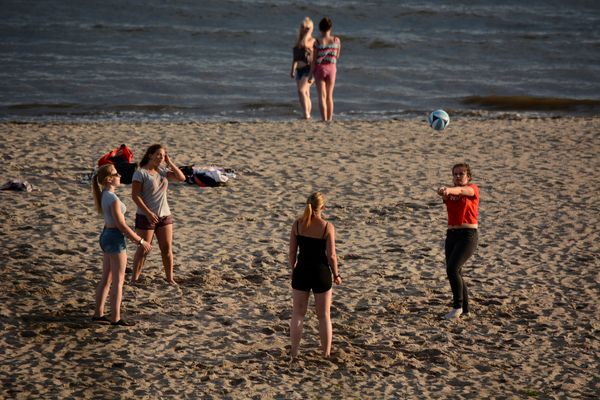
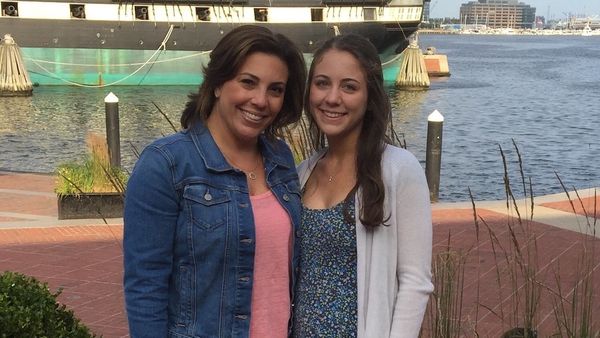
The next step would be to find a few locations near where you live that you want to take pictures at. You would be surprised how many scenic spots you could find if you got a little creative with it. If you live near the ocean, you can go take beach, boardwalk, or pier pictures.
If you aren't near the water, woodsy areas are great for senior portraits because you can be creative with the scenery, and even bring your own props to use like a wooden chair or a pet! Many choose to take senior pictures in a grassy field or sunflower field for a spring look. Remember, great backgrounds are everywhere. You just have to look!

Once you get a few pictures you like, upload them onto a phone or laptop so that you can edit them. Editing the pictures yourself saves you money and allows you to choose exactly what you want your pictures to look like! Apps like Afterlight, VSCO, and Snapseed can crop, filter, and adjust your pictures to your liking.

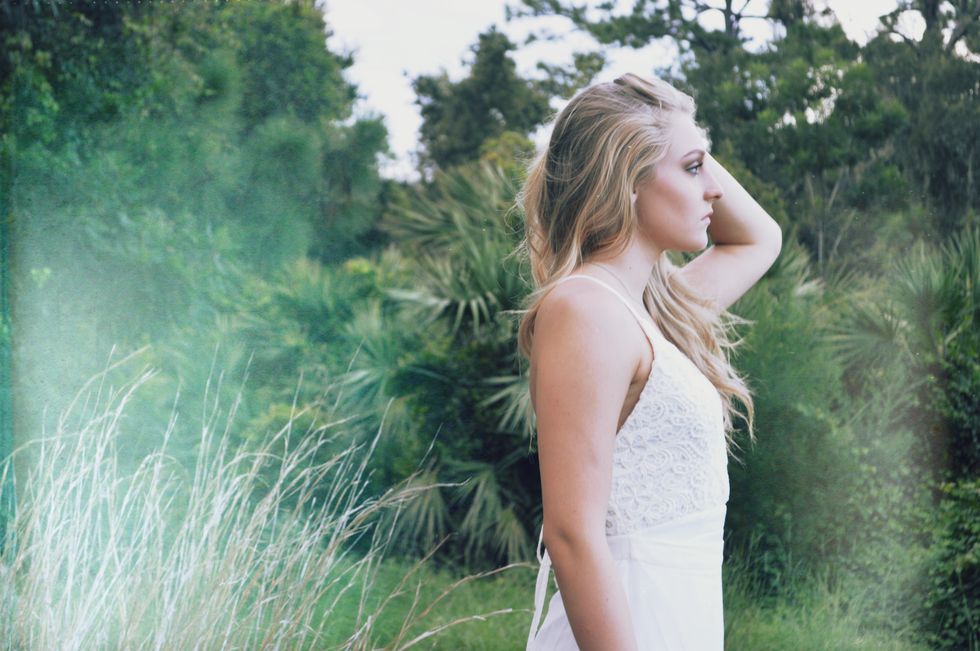
One thing you can do to make your pictures even nicer is to use the "light leaks" feature on the app Afterlight. Here is an example of how it works:
Before:
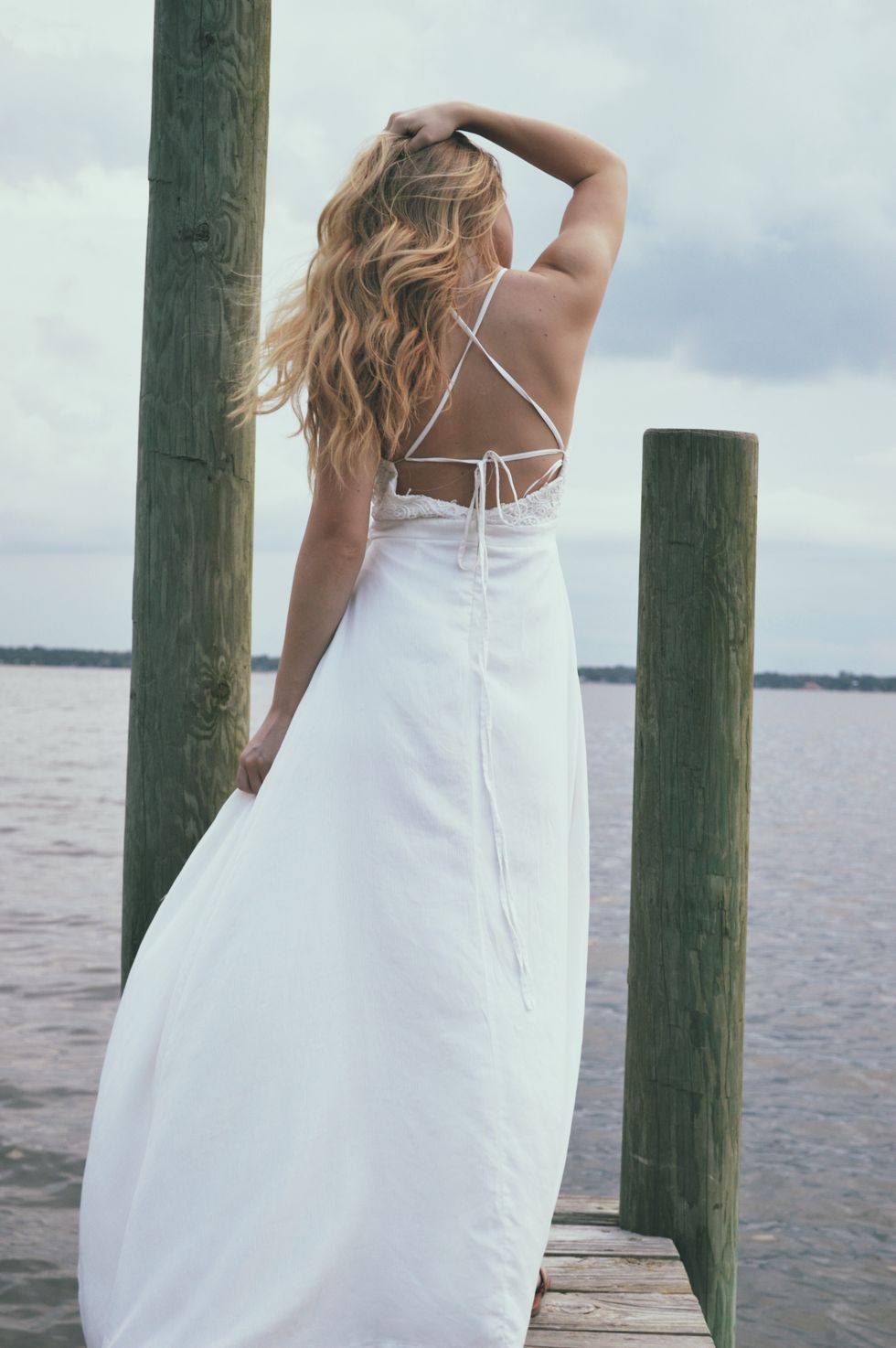
After:

Lastly, use your uploaded pictures and take them to a store that sells prints, like CVS, Walgreens, or Wal-mart. You can print as many as you'd like, at a much cheaper price than what a professional photographer would sell them to you for!
Using these ideas, you can create a memorable senior photoshoot without spending an excess of money!