

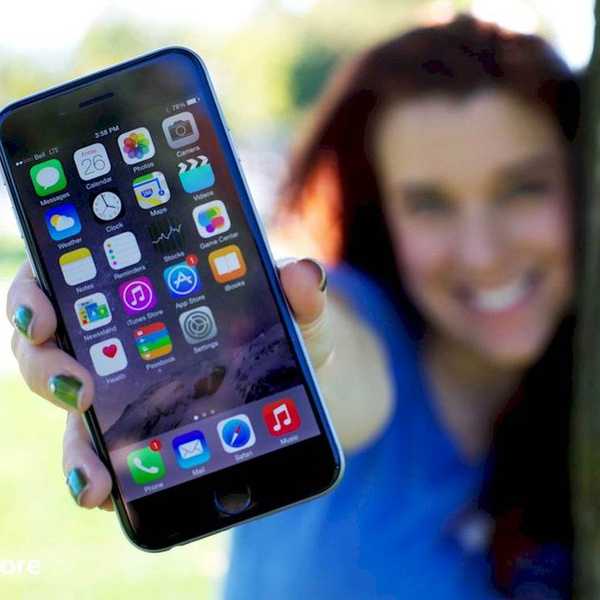

Using our smartphones and tablets, we can keep organized and stay productive throughout the semester. Here are some essential apps for students to download in order to have a great spring semester! The best part is that they're all free!
DropBox - If you use a flash drive for your files, you’ve probably been through the “I forgot my flash drive!” dilemma before. Using Dropbox allows you to upload your files online and access them on any device that has a web browser or has a compatible app. Sign up here - https://db.tt/F1UX1iqNdL [iOS - Android]
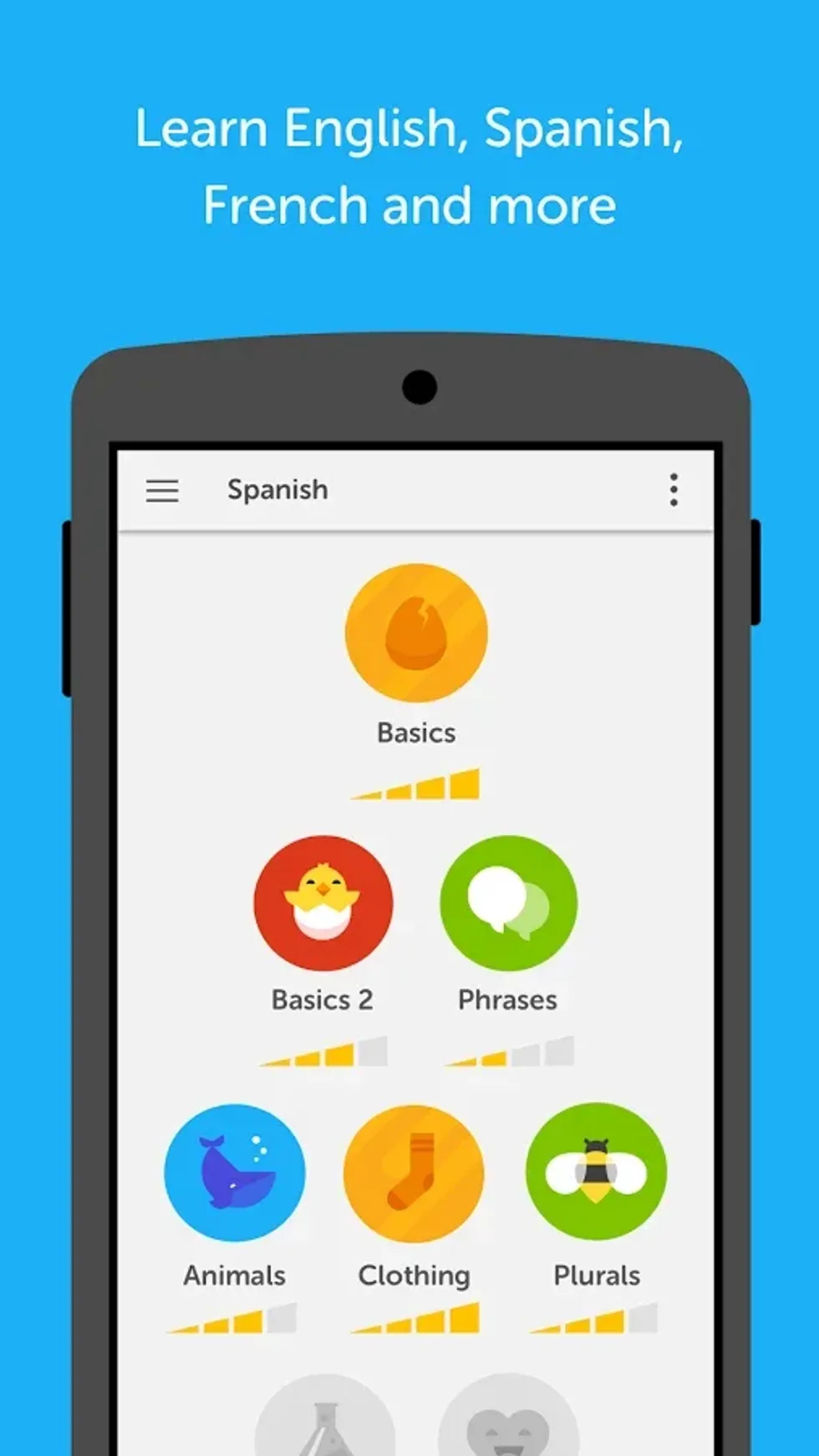
Duolingo - Ever wanted to learn a new language, but didn’t want to take a course or thought Rosetta Stone was too expensive? This app is for you! With over 21 languages to choose from and more in the making, choose a language that you’ve always wanted to learn. Using the app, you’re able to speak, read, and comprehend as if you were really in a classroom setting. Best of all, it’s free to use with no hidden fees. [iOS - Android]
Google Drive - More schools are beginning to point into the direction of using Google as their main web application provider, and Google Drive is no exception. Drive allows you to not only use a free application set for word processing, data entry, and power point creation, but it also allows you to fluently collaborate between multiple people. I’ve used this for a Physics lab, and being able to have different lab partners work on sections really helped us get an A on the project without having to meet up prior to the due date. [iOS - Android]
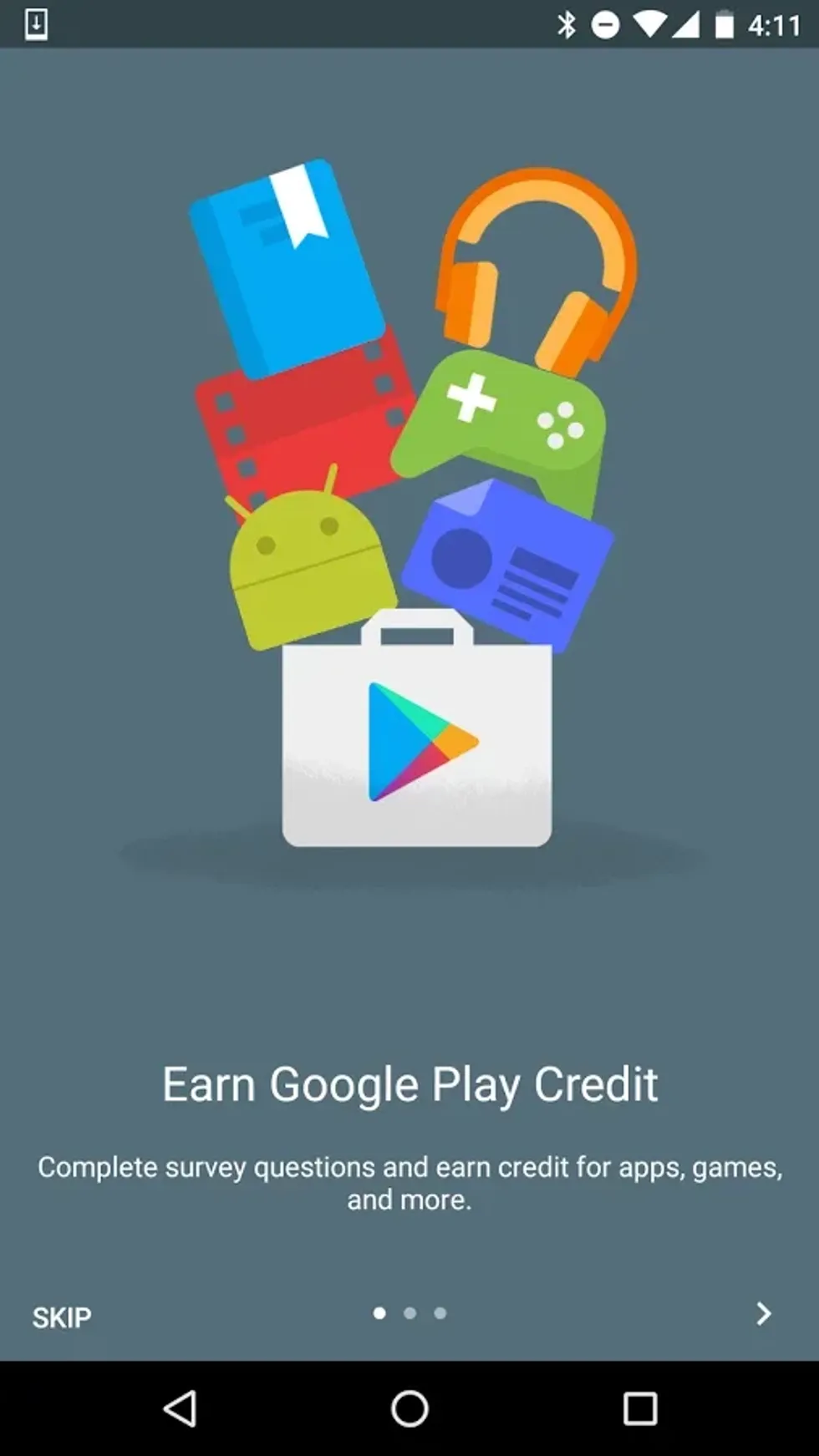
Google Opinions - Sorry iOS users, this one is Android only! Remember back in the day where websites promised you money for taking surveys? Well, this one legit. Sure, it’s not much per survey, and you can only use it on the Google Play Store, but it does add up over time. You’ll receive a notification, you answer a few questions, and you gain Google Play credits to buy apps, music, movies, or books that’ll help you in your relaxation time. [Android]
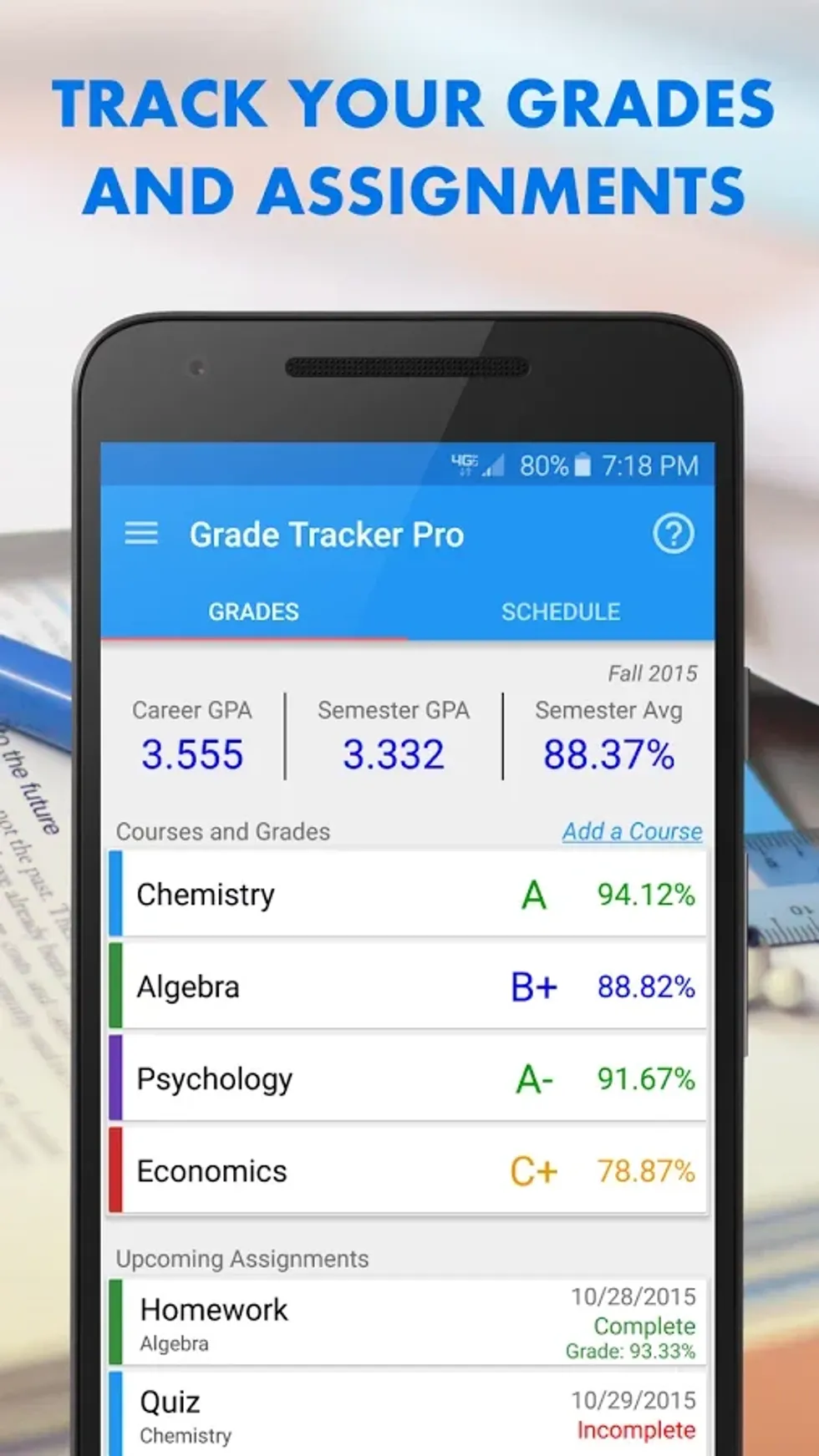
Grade Tracker Pro - (Also an Android only app.) Ever worry about your grades, or just want to be on top of your GPA? Grade Tracker Pro can help you out. This app allows you to enter your courses grading scale, sections, and credit amount and will calculate your GPA each time you enter an assignment. I did this last semester, and it was spot on! [Android]
GroupMe - If not all of your friends have the same kind of phone, a good idea would be to get GroupMe. It’ll allow you to invite and remove new members as the group grows, as well as allow you to mute the group conversation in order for you to continue studying and features a calendar setting for event planning. [iOS - Android]
Microsoft OneNote - Take your notes with you everywhere you go. This app is great for anyone who types their notes up but wants to study without their laptop. You can create a new notebook for each class, then section it off based on chapter, section, or note type. [iOS - Android]
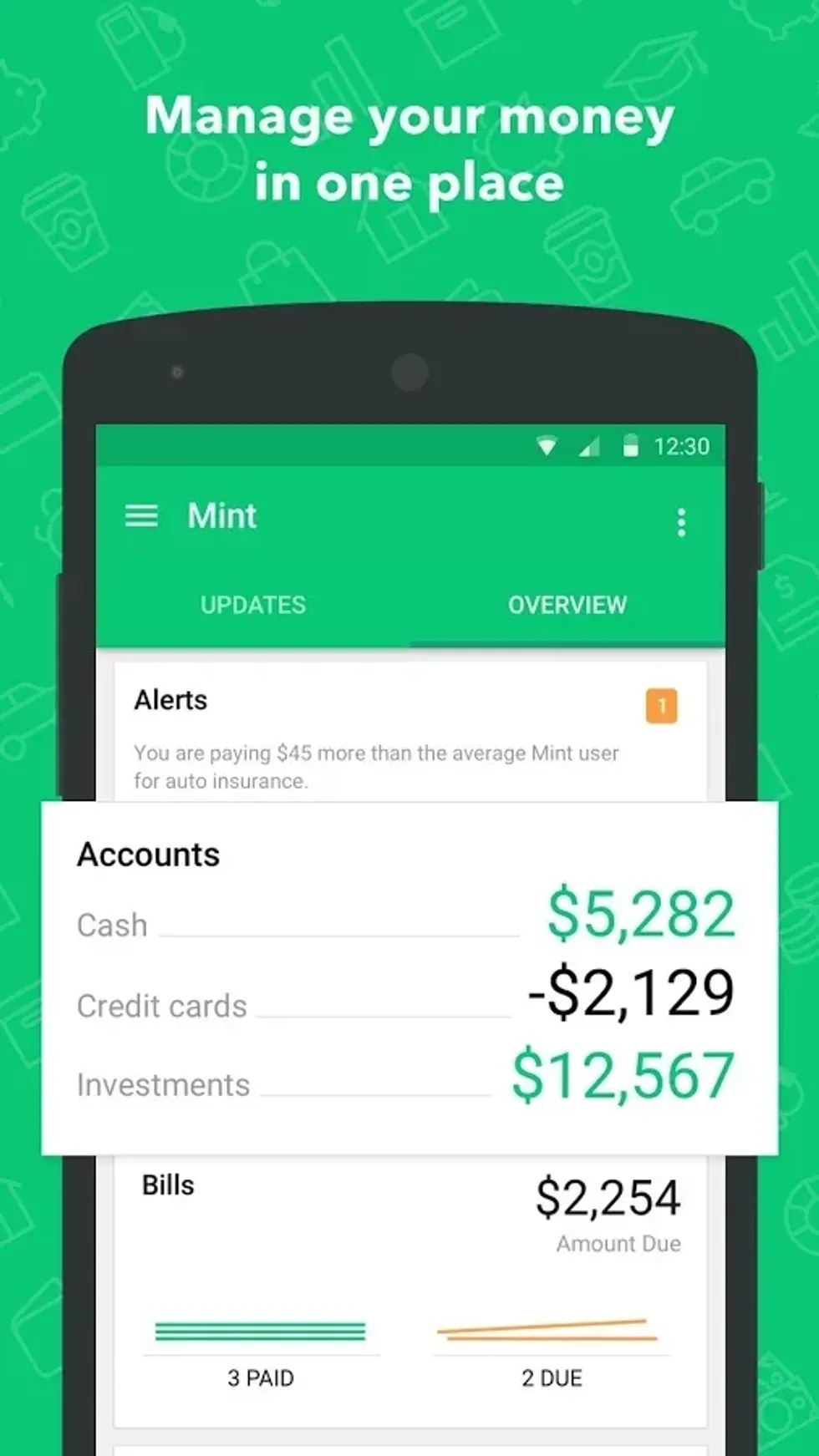
Mint - Mint allows you to connect all of your bank and financial accounts and helps you be more conscious of your spending habits, as well as your saving habits. This can keep you up to date with your school loan payments, or even just to check on if you have enough for those Iced Coffees that were keeping you alive throughout the semester. [iOS - Android]
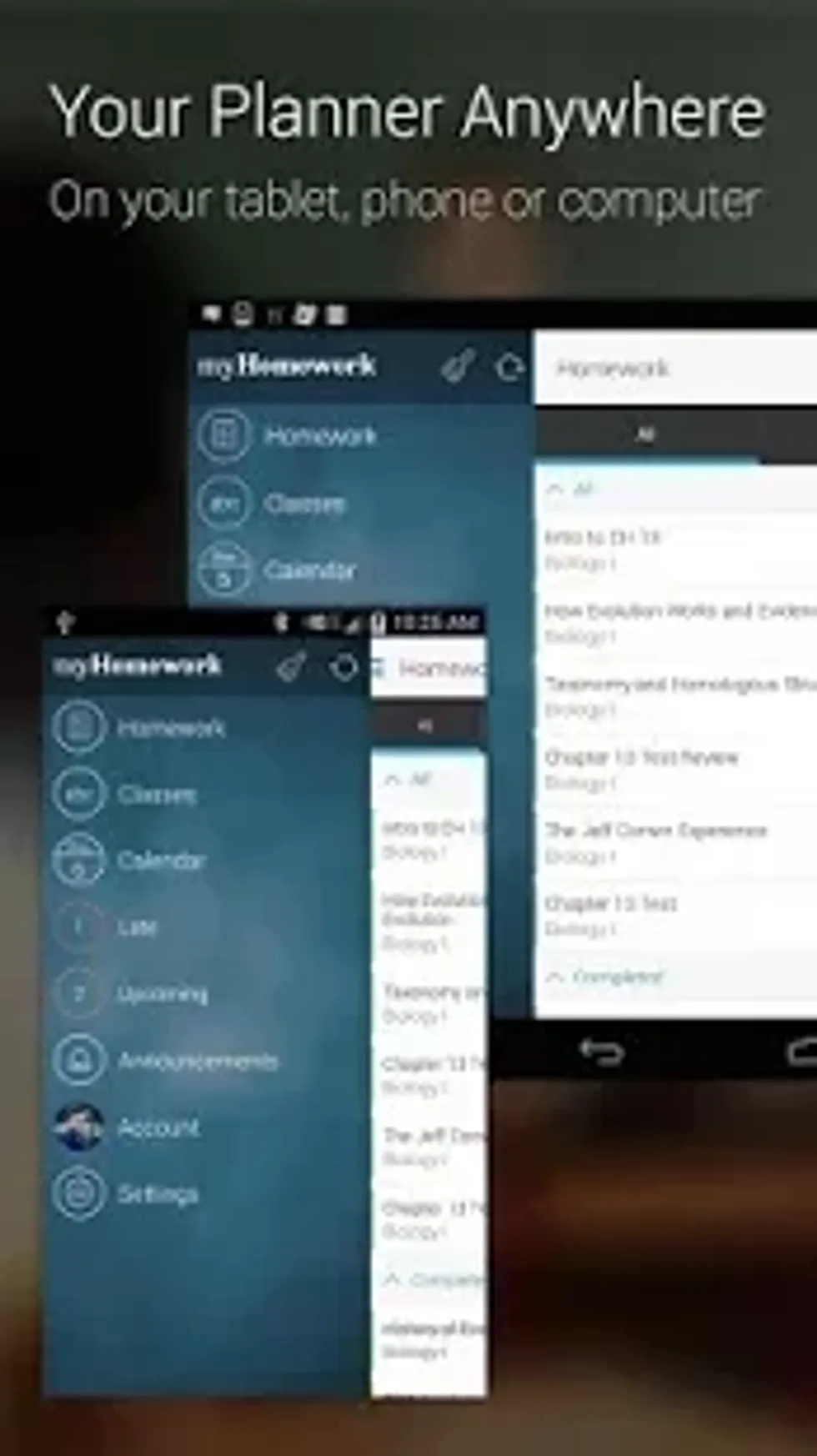
myHomework Student Planner - This app is a lifesaver if you set it up properly. This app will allow you to program in all of your assignments and will remind you before they are due. Think of it as an academic to-do list. This app is essential to be organized since it will list out every assignment for your classes that you add to it. A great feature for Android users is the widget feature. This allows you to place a widget on your home screen so you always see what is due. The best part is that this app is cross-platform, which means you can log into multiple devices (computers included) and you’ll see all of your assignments. [iOS - Android]
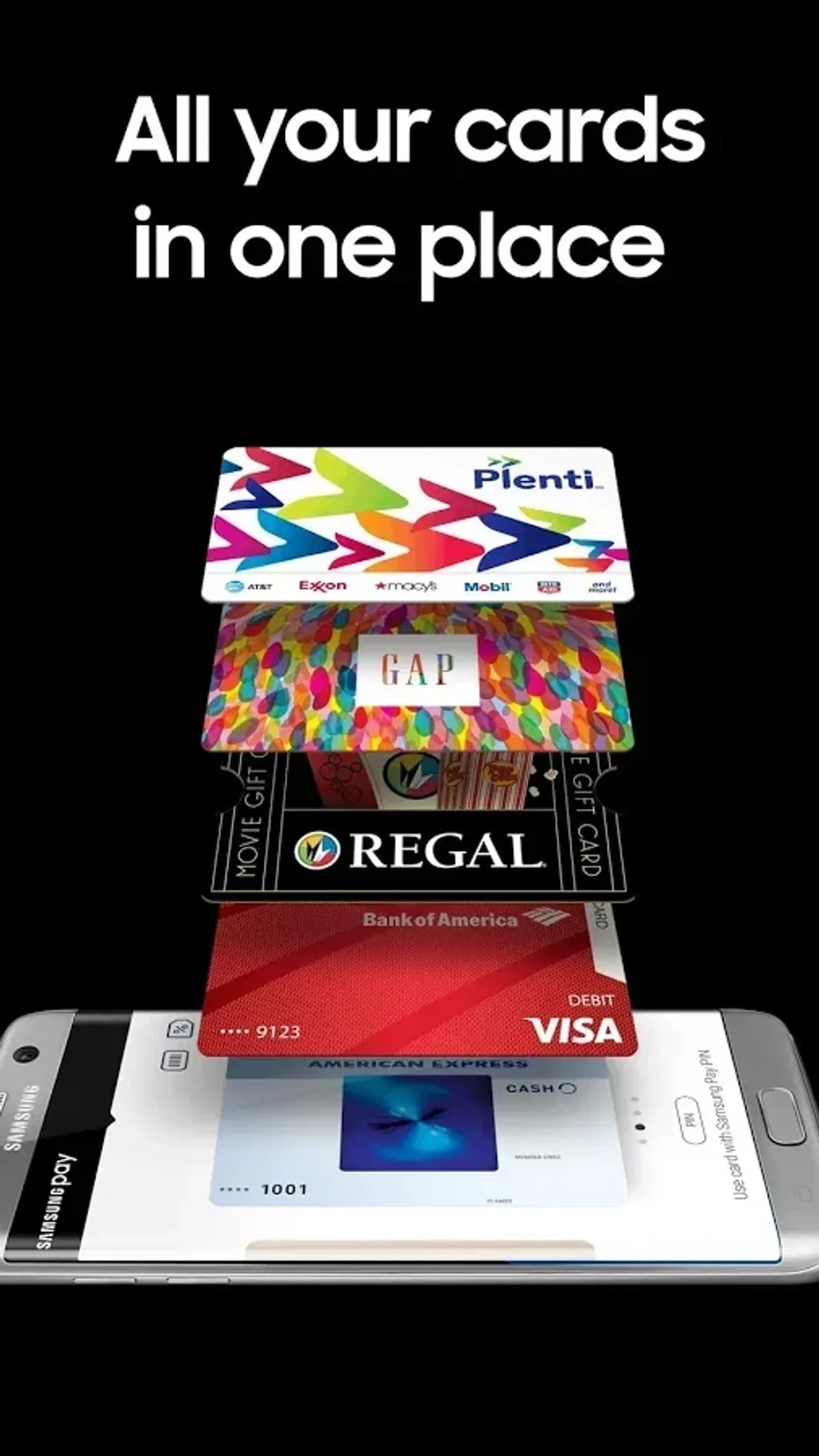
Samsung Pay - This one is for Samsung users only, but it is still just as helpful as the others were. Ever forget your wallet in your room, but are already on a line to pay for something? Using this app on a newer Samsung device will allow you to pay for your purchase without your card. Some of you may be thinking “But doesn't Apple Pay or Android Pay do the same?”. The answer to that is yes and no. Yes, you can pay at a place that accepts Apple or Android Pay, but what if the location doesn’t accept that yet? Well, Samsung added Magnetic Secure Transmission technology to their newer phones, allowing you to pay for your purchase wherever credit or debit cards are accepted. This means no matter where you go, you’re good to pay. Just hover your device next to the swipe strip (you may need to actually “swipe” your device in the direction of the strip) and it’ll charge it like it was your own credit card. From now until January 31’s, if you use code 492407 on the promo page, after your first purchase you’ll receive $5 for you to spend on whatever you want using Samsung Pay! [Android]
Using these apps myself, I have become much more productive and organized throughout my college experience, and I hope these apps help you as well!