Technology is a beautiful thing. I can turn in a paper, check the weather, move a meeting, order dinner for the day, and catch my best friend up on all gossip before I even get out of bed in the morning thanks to my handy dandy little smartphone. There are 8 apps I use and I think you should be using them too. But only if you like making your life easier, that is.
Top Contenders:
1. Any.do
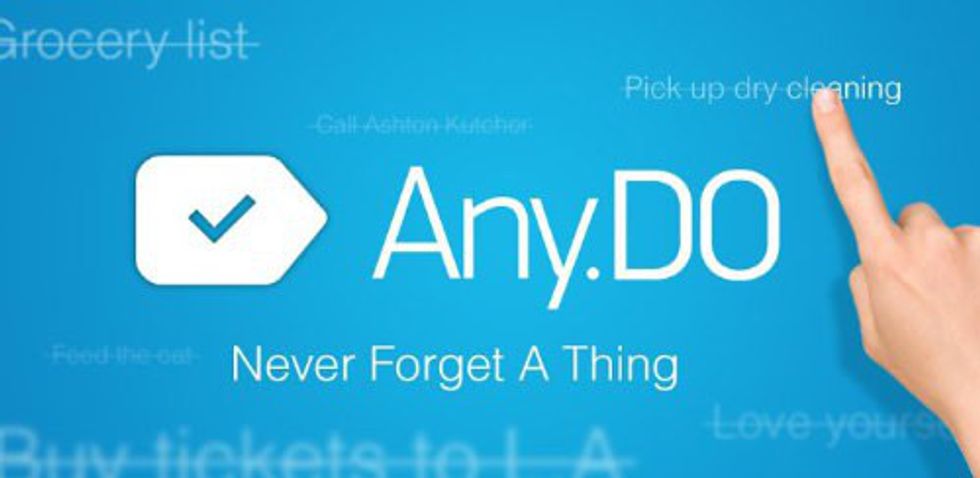
(Free for both iPhone and Android users, but there’s a upgraded version you can get if you’re a diehard fan like me) It’s saved my life a number of times. Something I need to remember that I think I won’t? I swipe down on my screen, click the Any.do plus sign and add it in. I can add different categories (I have all my classes, jobs and personal categories). Within the categories I add my “things to do.” I can add notes to them (pictures or audio), timed reminders (or if you upgrade, location-based reminders) subtasks or add collaborators. Best part? I can sync it to my browser so I don’t ever have to go without Any.do.
2. Microsoft Outlook
(Free for both iPhone and Android users) There’s an inbox management system that anyone who receives 50 emails a day will love. It’ll only alert you to the important ones, which go in your “Focused” inbox. You can schedule things right into your calendar. The app also stores all your downloads for you. You get to set personal swipe options that make it especially efficient. Works for Gmail, Yahoo Mail, iCloud, Hotmail, MSN, Office 365, Outlook.com, and Microsoft Exchange.
3. Wunderlist
(Free for both iPhone and Android users but there’s a pricey upgraded version you can get) It syncs across all your devices and in your calendar. You can add folders, set reminders, add subtasks or attachments and notes to all your list items. Perfect for grocery shopping, collaborating with someone else, or school organizing.
4. Journey
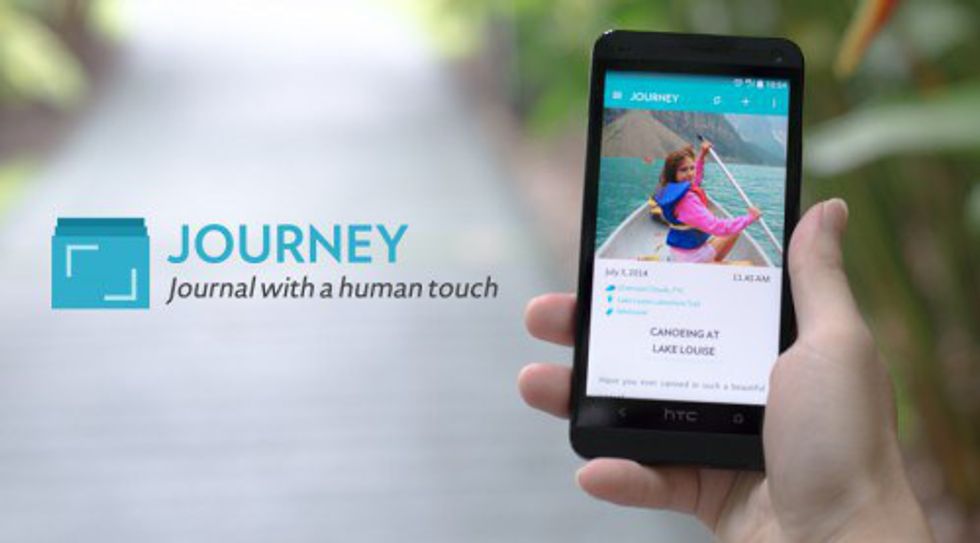
(Free for Android users) Some of the best things about Journey? It has a word and character count, photo/video/sticker entry, is passcode protected, has reminders, and it’s ad-free. Plus it syncs with Google Drive, has night mode, can print, and video entry. Stuck with not knowing what to say? That’s okay because it has prompts as well.
5. Evernote
(Free for both iPhone and Android users) Write and organize notes and checklists. Keep files and create tags. Work chat and meeting prep are made easy. Turn business cards into contacts, track money, plan travel, etc. It’s basically a little bit of everything in an app.
6. Boomerang
(Free for both iPhone and Android users) I’ll keep this one short because I know you’ll be itching to download it after I tell you what it is. An email app for Gmail and Exchange that allows you to snooze emails and track responses but best of all? It schedules emails to send later. But there’s more for you to find out on your own. Download it on your phone from the app store or play store, but get it for your desktop (Gmail) here.
7. Flixster
(Free for both iPhone and Android users) Find the newest movies playing near you, watch the trailers, check reviews, and buy your tickets. All beautifully laid out, this is one app not to pass on. It’s convenient and easy to use.
8. GroupMe
(Free for all iPhone and Android users) Better than a group chat on any text messaging app because you can control your notifications, use exclusive emojis, send memes, URLs and GIFs, saves multimedia in a gallery, is useable online, plus other awesome features! Basically, you can take your squad up a step with cool personalization and great features!
So if you want to take your techiness to the next level, I know you’re already downloading some of these, if you don’t already have them that is.
Runner-Ups:
1. Google Drive
(Free for both iPhone and Android users) Keep all your files synced across all your devices so you can go from working on your phone on the go to presenting from you laptop. Great for the busy student!
2. Duolingo
(Free for all iPhone and Android users) It lets you learn a new language or keep your linguistic skills sharp! Added bonus? It works in your web browser as well!
3. My Study Life
(Free for all iPhone and Android users) Helps you organize your classes, assignments, and exams. Track your tasks. Store exams. Manage your classes. Get notifications
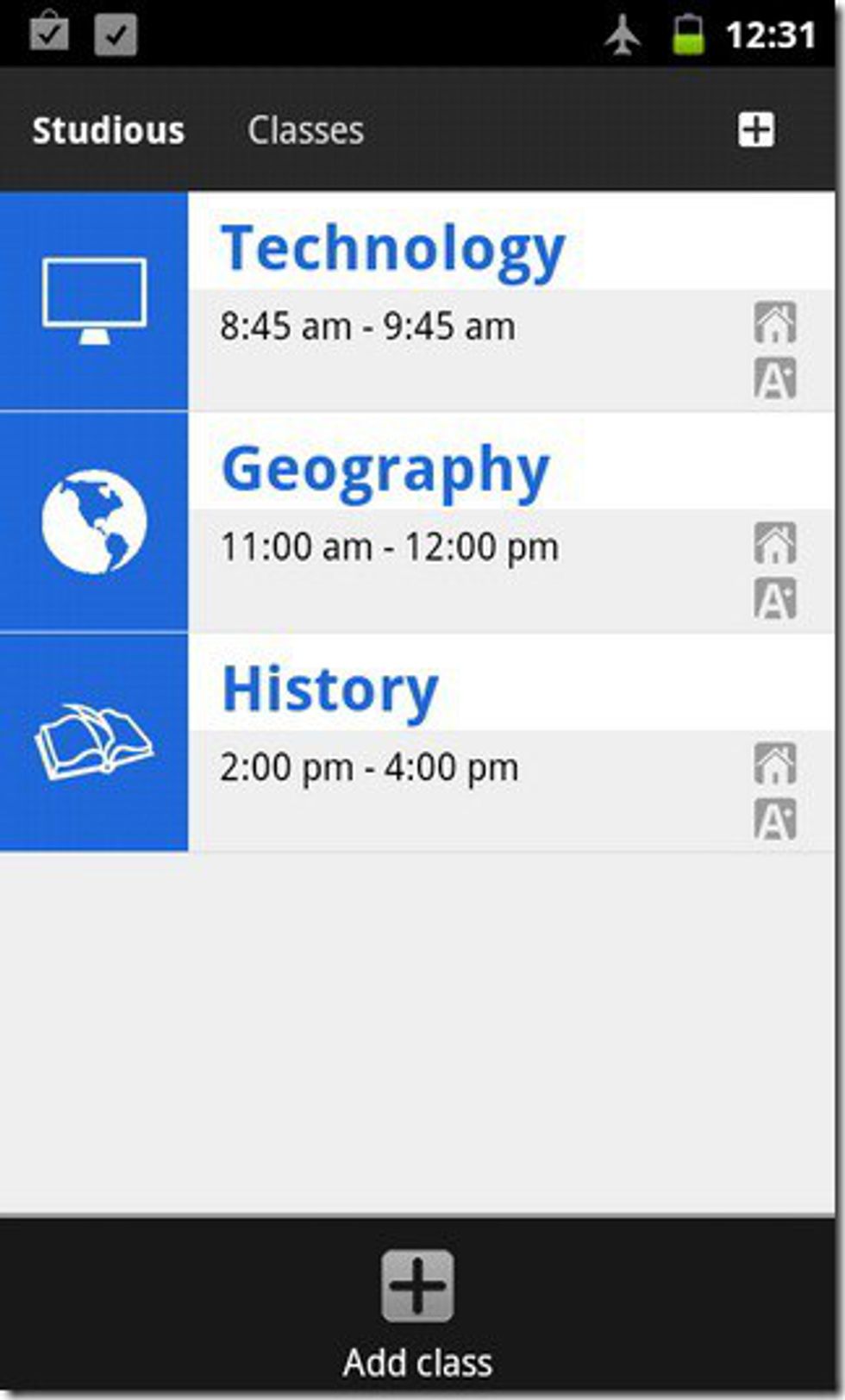
4. Studious
(Free for all iPhone and Android users) Silence your phone in class. Remind you when homework and tests are due. Save notes.
5. Mailbox
(Free for all iPhone and Android users) If you have Gmail or iCloud, then Mailbox lets you swipe for actions, scan with chat-like organization, snooze or mute emails, list your receipts, and more! Automatically!