1. ColgateMobile
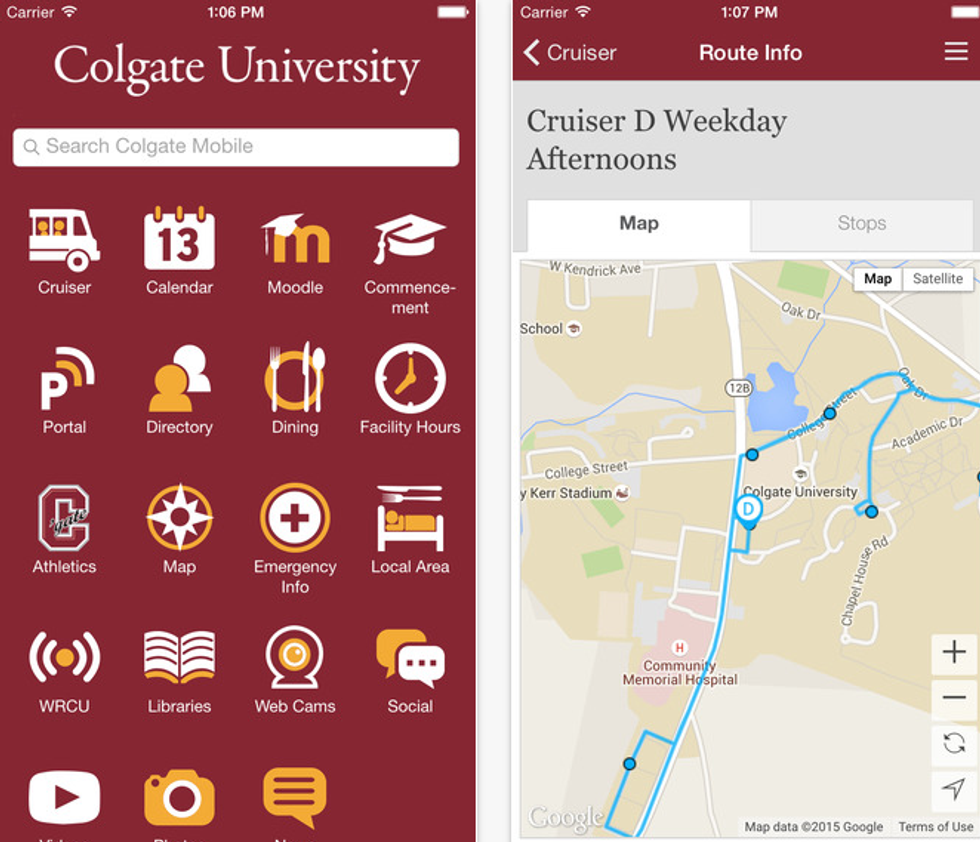
Duh. The Colgate University Mobile App is essential for every Colgate student if you want to make life much easier. The cruiser schedule, which I’ve always found to be reliable (use Real-Time Tracking, none of that Complete Schedule garbage), makes getting around campus and town incredibly simple. It also offers dining hours, a calendar of events happening on campus for when your professor doesn’t mention when the lecture starts, the Portal, Moodle, a campus map, and much more. If you think you can survive your four years without it, you’re sorely mistaken.
2. GroupMe
3. Crunchbutton
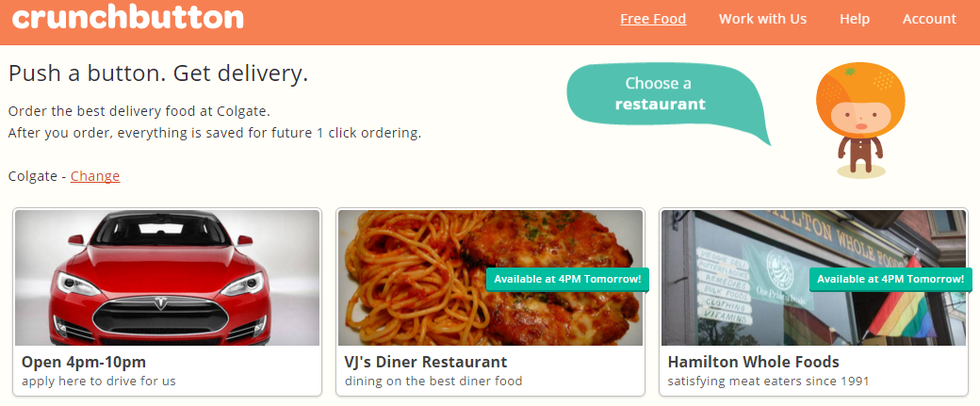
When the weather gets bad (don’t worry, it’ll be here quite soon), I really hate bundling up to leave my dorm and walk up the hill or downtown for food. Crunchbutton allows you to get food delivered from some of Hamilton’s restaurants like VJ’s Diner, Rusch’s, Pizza Hut, Subway, Dunkin Donuts, and Hamilton Whole Foods. Plus, they’re usually running some sort of promotion where you can get free delivery and will email you promo codes throughout the year, so keep an eye out.
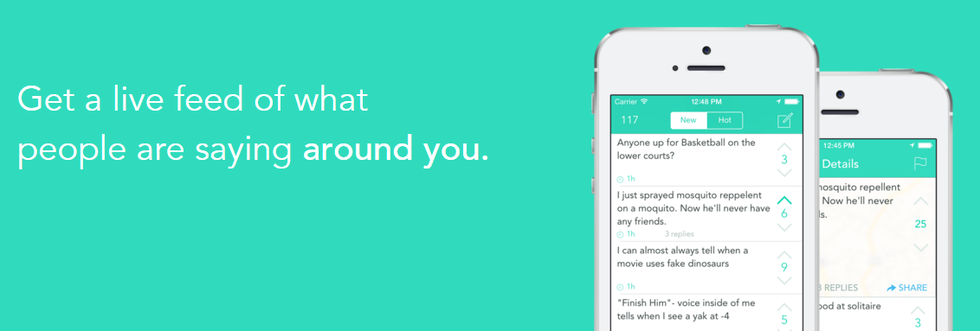
4. Yik Yak
5. TED
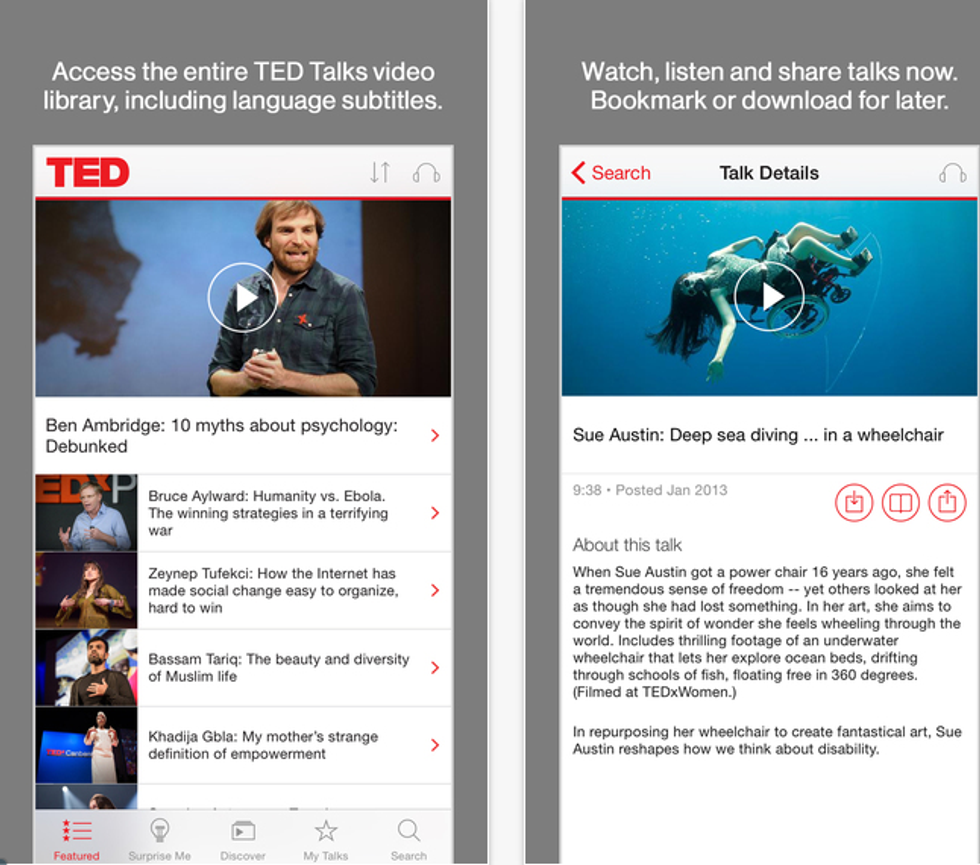
Watch or listen to the entire TED Talks library, which includes informational and entertaining videos of shared perspectives from a variety of people with different backgrounds and cultures who provide a deeper understanding of our world.
6. Chegg
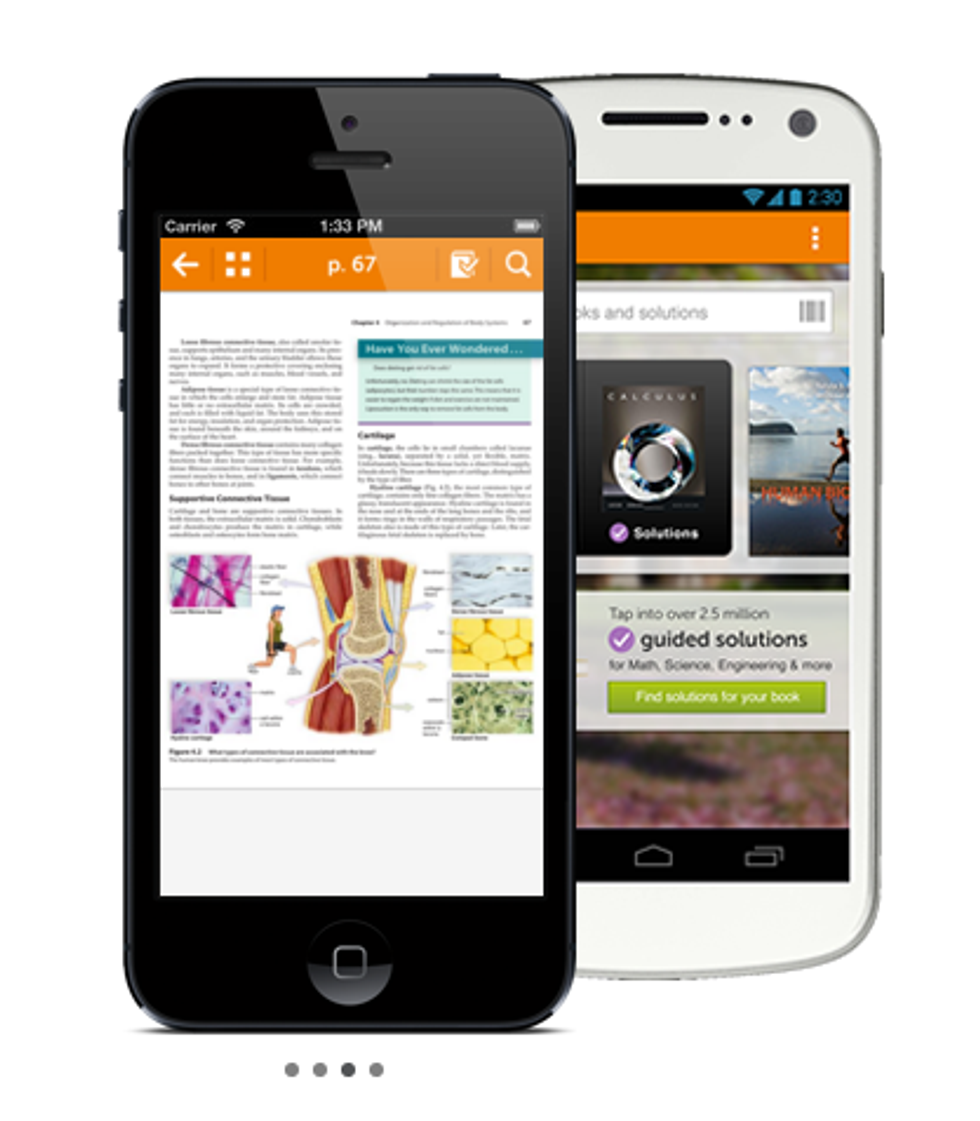
Get access to free textbooks and materials on your phone. You have to option to rent or buy them, with free previews and instant access for seven days. Also available are study help from tutors and guided solutions. This app makes homework manageable and studying from home simple.
7. Google Drive
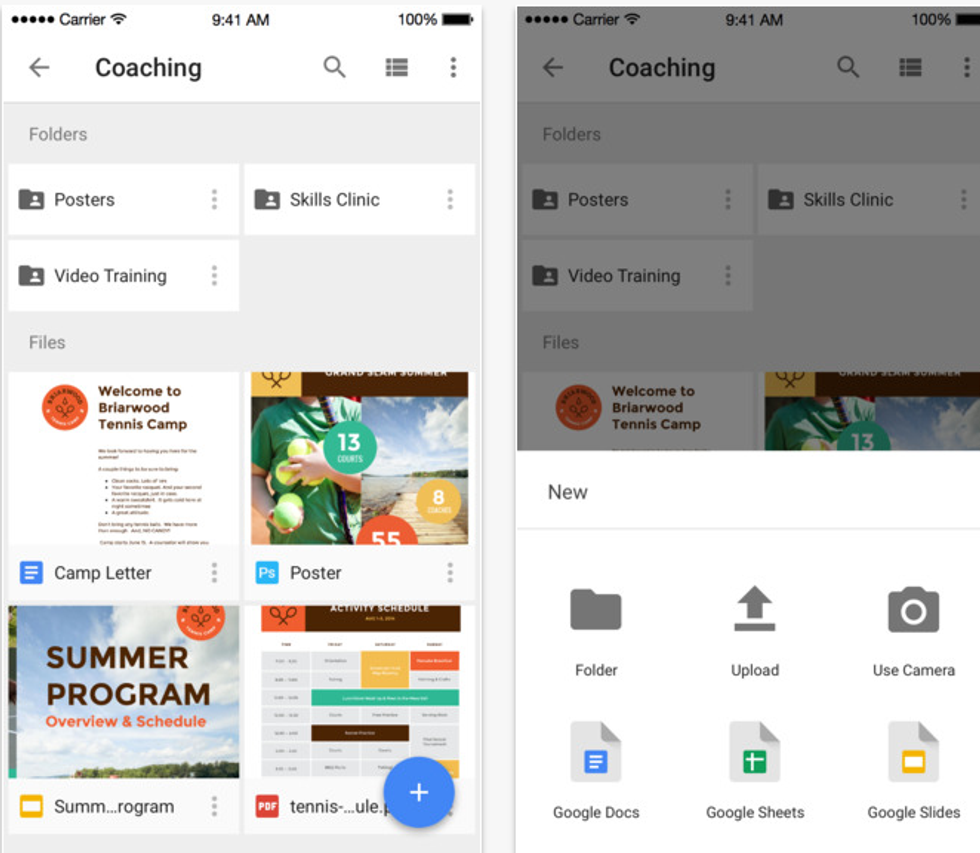
Google Drive is simply very helpful when you need to manage a lot of different documents on your phone. I use it for sharing documents and spreadsheets with group project members my Odyssey staff. Connected to a Gmail account, Drive is easily accessed and makes collaboration and file storage effortless.
8. Venmo
9. Quizlet
10. Dragon Dictation
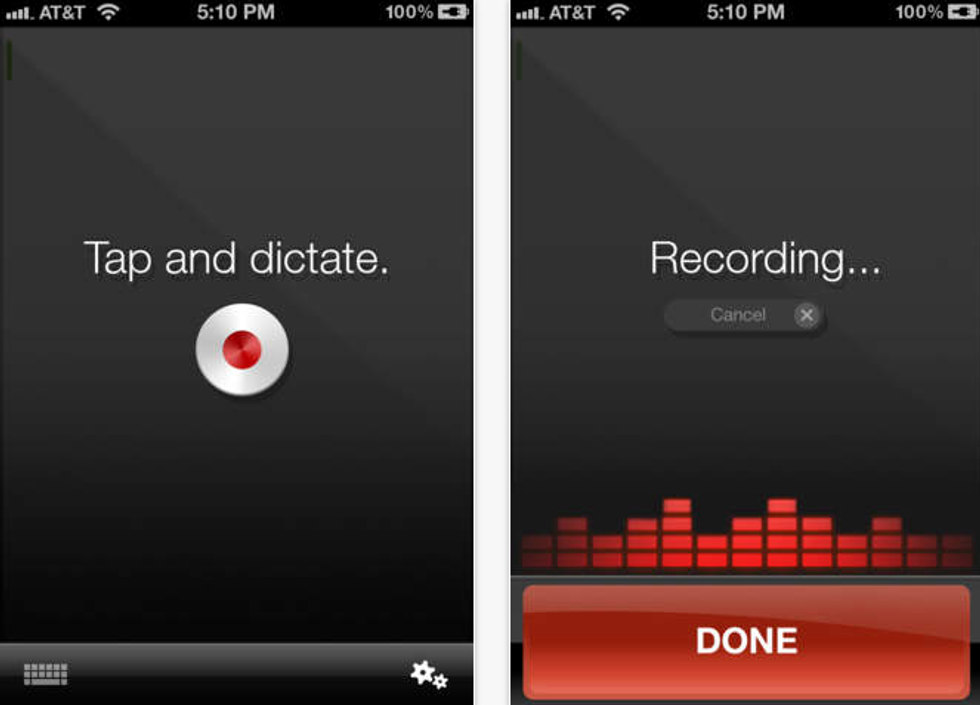
Reviews of this app state it being better than the dictation program that already comes with the iPhone. Use it during lectures instead of or along with writing notes so that you don’t miss anything your professor says. The app will convert the audio file to text for you to review later. Also, use it to send texts, emails, tweet, and status updates at a rate five times faster than typing.
11. Mint
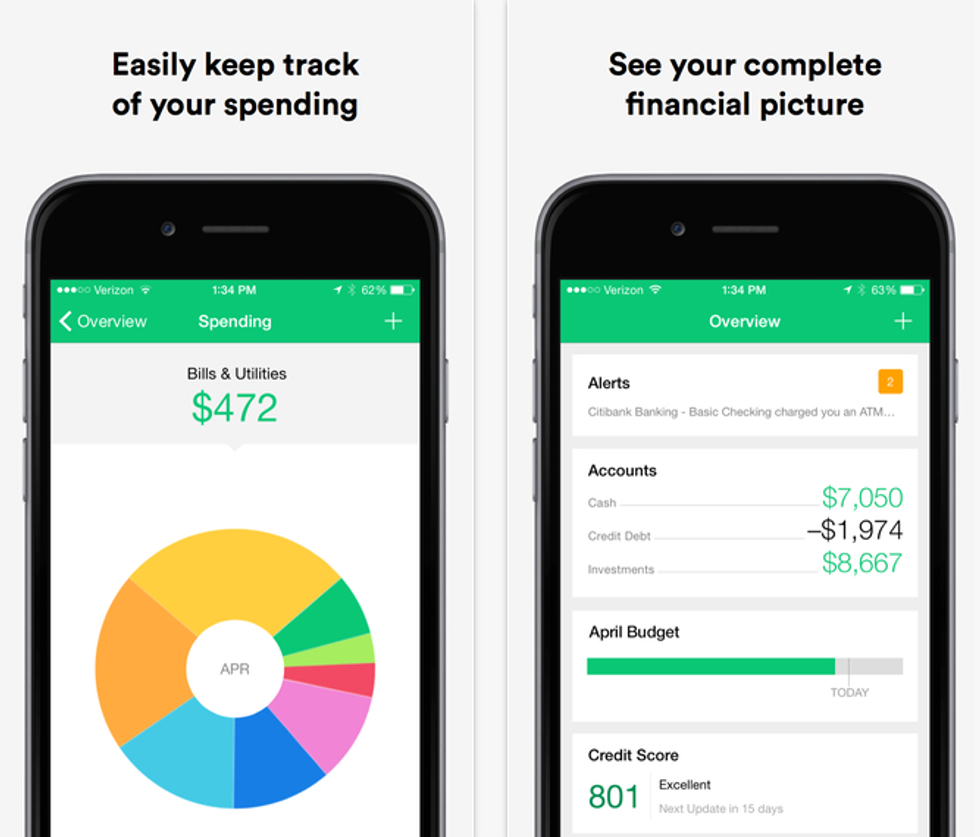
From the makers of Quicken and TurboTax, this app helps you track your spending and manage your budget, a necessary task in college when every penny matters. It lets you view what goes on with your checking, savings, and credit cards, kept secure with a 4-digit PIN that you create. Don’t let your money get away from you, stay on top of your finances.
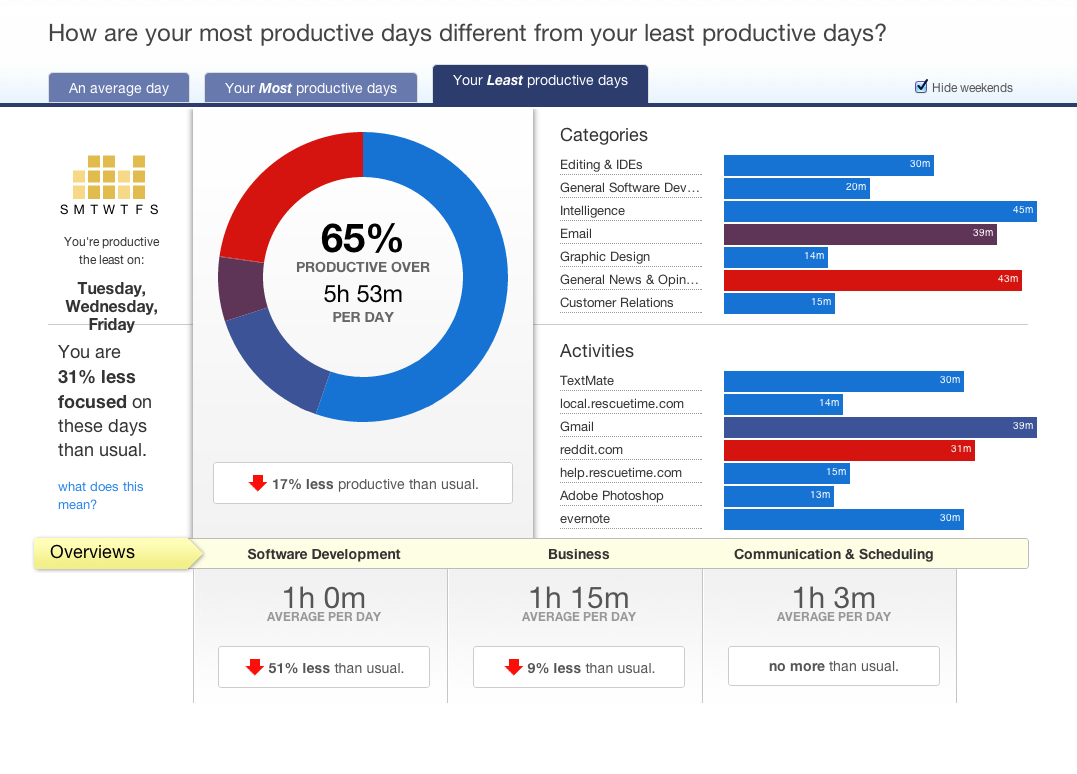
12. RescueTime