


I was wading through endless articles claiming "Top 10 Productivity Apps!" while (surprise!) procrastinating for studying for an exam this week, when I realized that the only apps that have ever helped me have come from the recommendation of my friends.
The fact of the matter is, students know other students best, and what motivates young professionals and working adults isn't going to be the same as what helps motivate students. I've compiled a list of NUMBER apps, programs, and tips that'll hopefully help you wade through the swamp that is midterms - Happy Studying!
1. Momentum
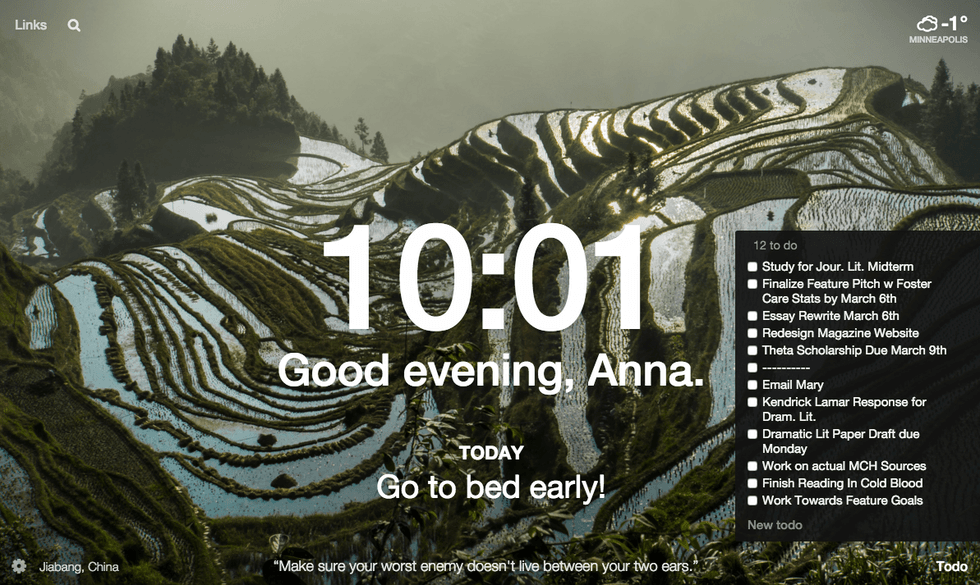
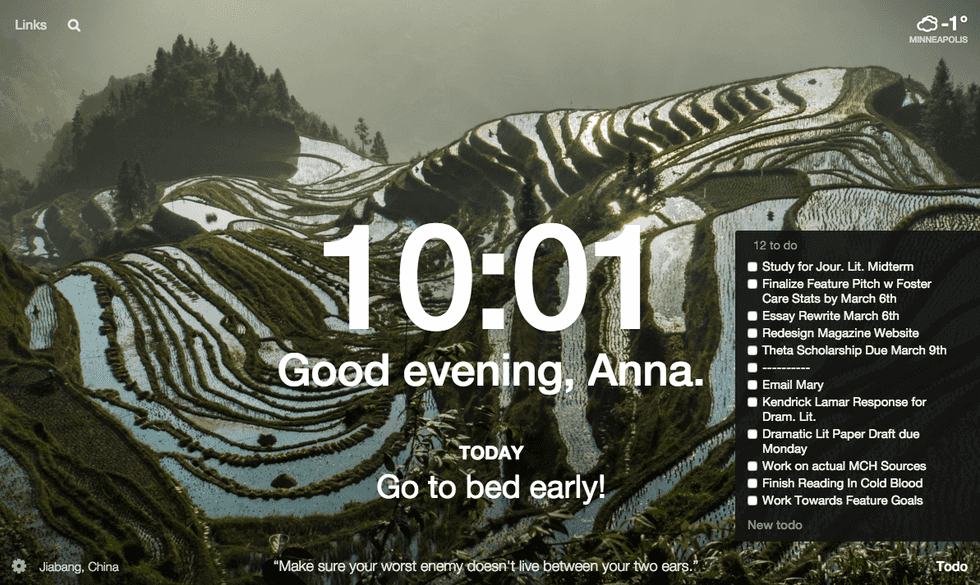
This free Google Chrome extension lists weather, has a search engine, a to-do list that collapses, an awesome background photo every day, calls you by your first name, and has a main objective above an inspiring quote! What more could you want?! The best part is, Momentum's beautiful screen appears every time I open a new tab on Google Chrome, meaning I can't avoid looking directly at my responsibilities every time I click away from homework.
2. Self Control
Despite its name, SelfControl for Mac doesn't leave the distraction-avoidance all on your shoulders. This application is, unfortunately, only for Mac computers. What I like best about it is that it's great for short-term use and study bursts. You set a time frame, choose a list of blocked websites and - voila! - you're banned from temptation! Once the time limit is up, you're free to roam the web as you please.
3. Forest
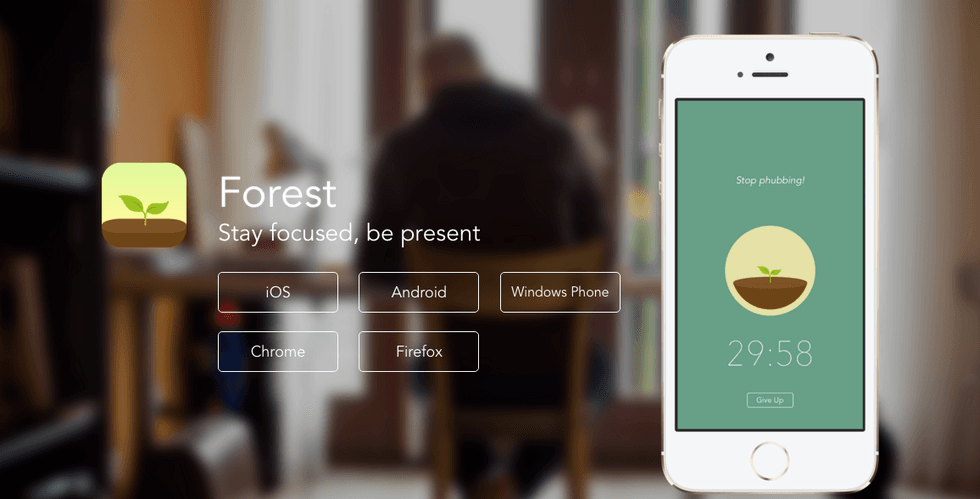
If you're not motivated by shame and restriction like I am, but instead by cute little encouragements, Forest is for you. For every 30 minutes you leave your phone locked, you gain a little tree that you can name and add to your forest of productivity.
4. Pocket Points
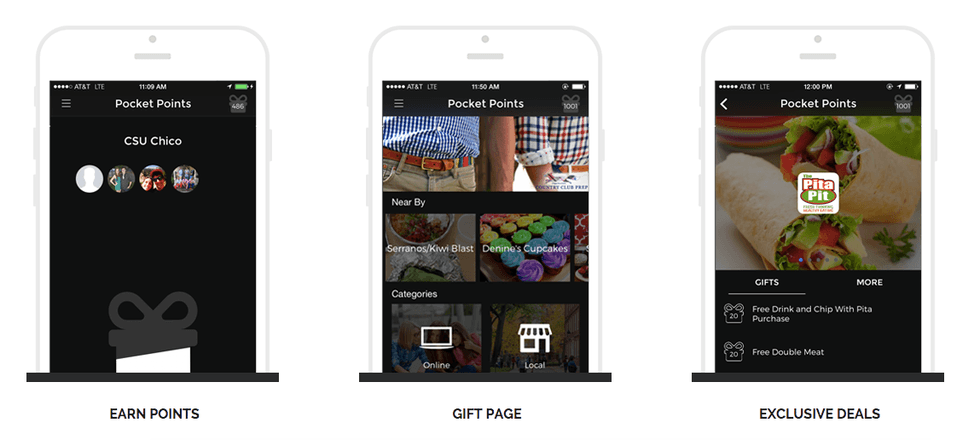
If you're not fully swayed by Forest, Pocket Points appeals to a universal love that all college students share - free stuff! Pocket Points pinpoints your location, and as long as your phone is locked while you're on campus (whether in class or studying), you earn points towards coupons and free food near your area! The only thing I don't like about this app is that you have to make a point to open the app and THEN close your phone before starting class. If I'm honestly diligent and leave my phone in my backpack without activating the app, it means I can't earn points. The promise of free cookies keeps me accountable, though.
5. Flowstate
This one's for the most stubborn of students. If restriction, encouragement, and shame don't motivate you, maybe the promise of absolute destruction will! Advertised as "The Most Dangerous App," Flowstate has a clean interface and minimalist design and one risky, risky promise: if you stop typing for 5 seconds, all your words will disappear. This app isn't free, unfortunately, but the promise of productivity is worth your money.
6. Writer's Block
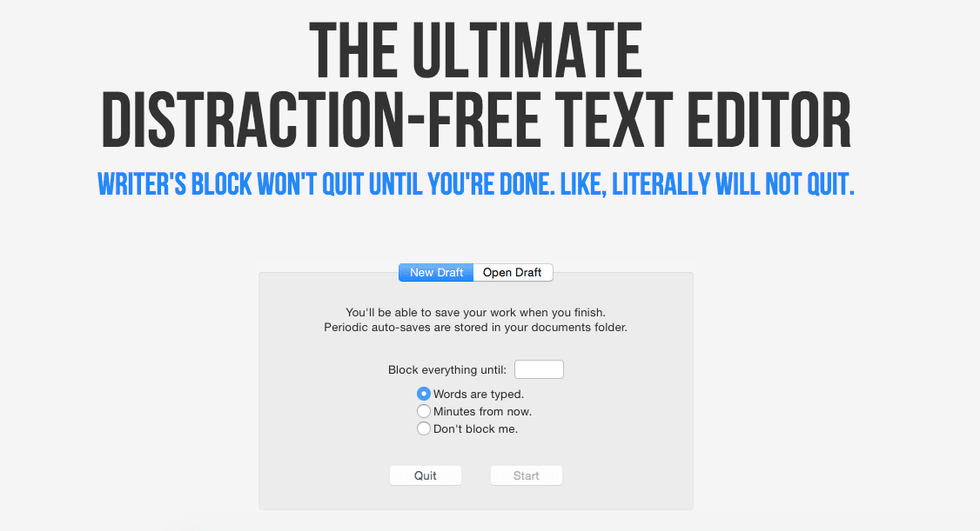
Writer's Block stops all distractions until your set timeframe is up or you've typed a certain amount of words. I like to use this app - it's free! - in a different way than I use Flowstate. Flowstate forces me to write a crappy but finished first draft or outline. Writer's Block forces me to spend time working only on my assignments.