
“There’s an app for that” is cliché but true. From editing pictures to keeping track of calories to finding a date for Saturday night, there is an app for everything. The same is true when it comes to apps to help make your overall college experience easier. There are literally hundreds of apps that help you keep track of your time, stay organized, create to-do lists, study and more. From free coffee to answers to algebraic equations to time management, there are so many apps that will make your life better. Check out some of these free apps you’ll want to make a part of your regular college routine.
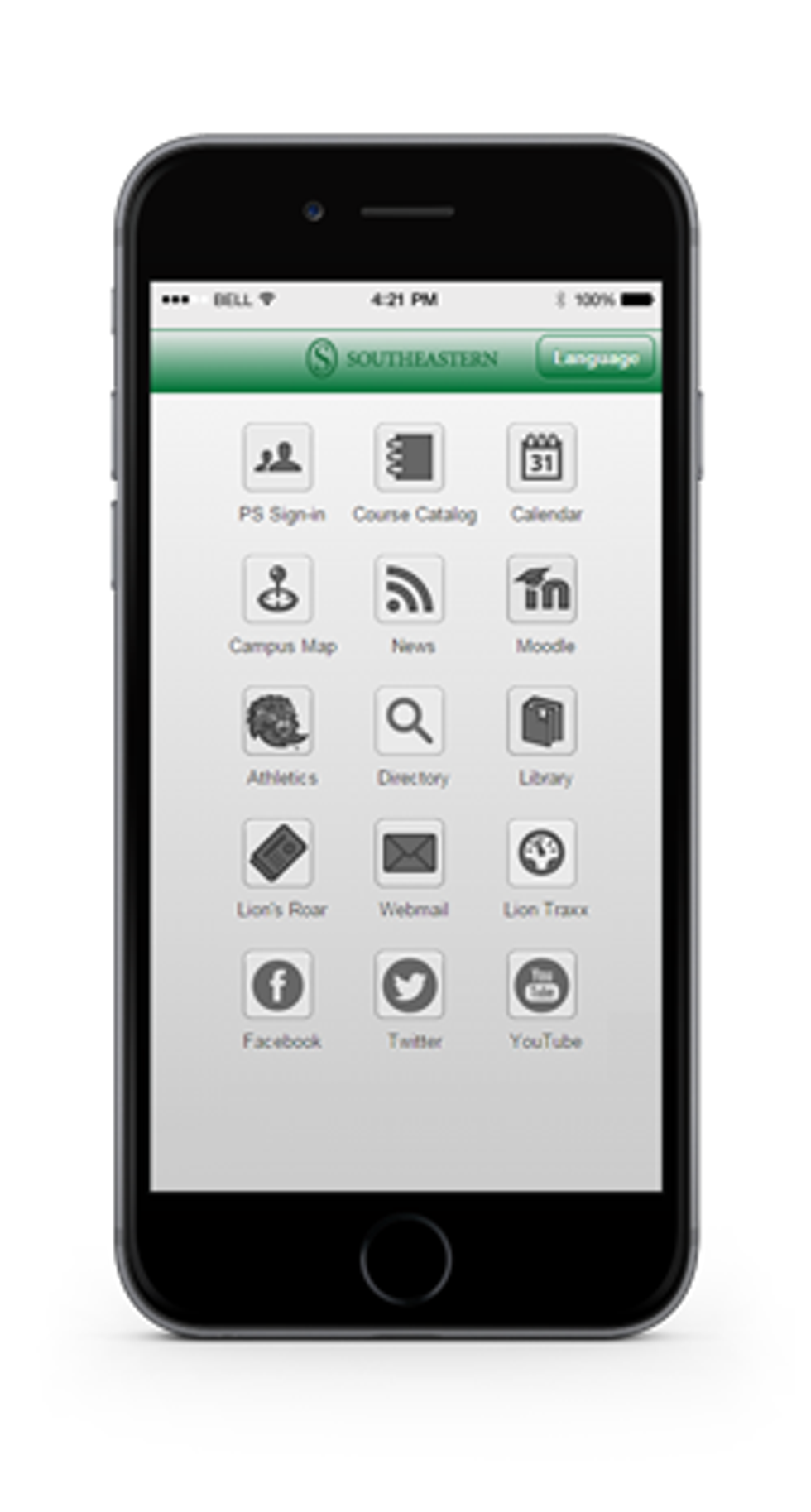
1. Moodle at Southeastern App
You can download Southeastern Moodle right onto your phone. Go to Moodle on safari and then click “add to home screen” and it saves it onto your phone in an app form. You can stay logged in so you can instantly get all your Moodle updates. I use it to compulsively check my grades.
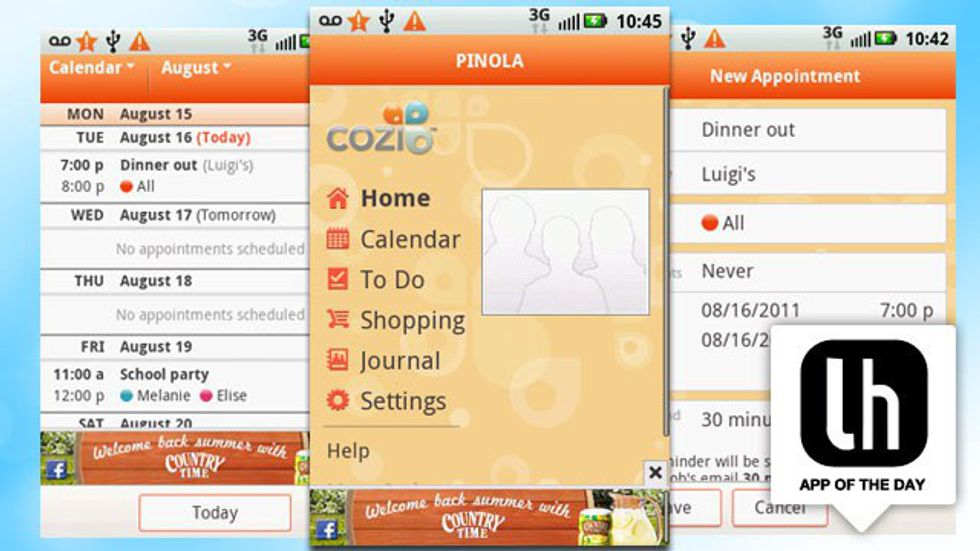
2. Cozi
With almost five stars, Cozi is a great app to help you keep track of your calendar. You can set reminders, create to-do lists, and even add your significant other so you can schedule together.
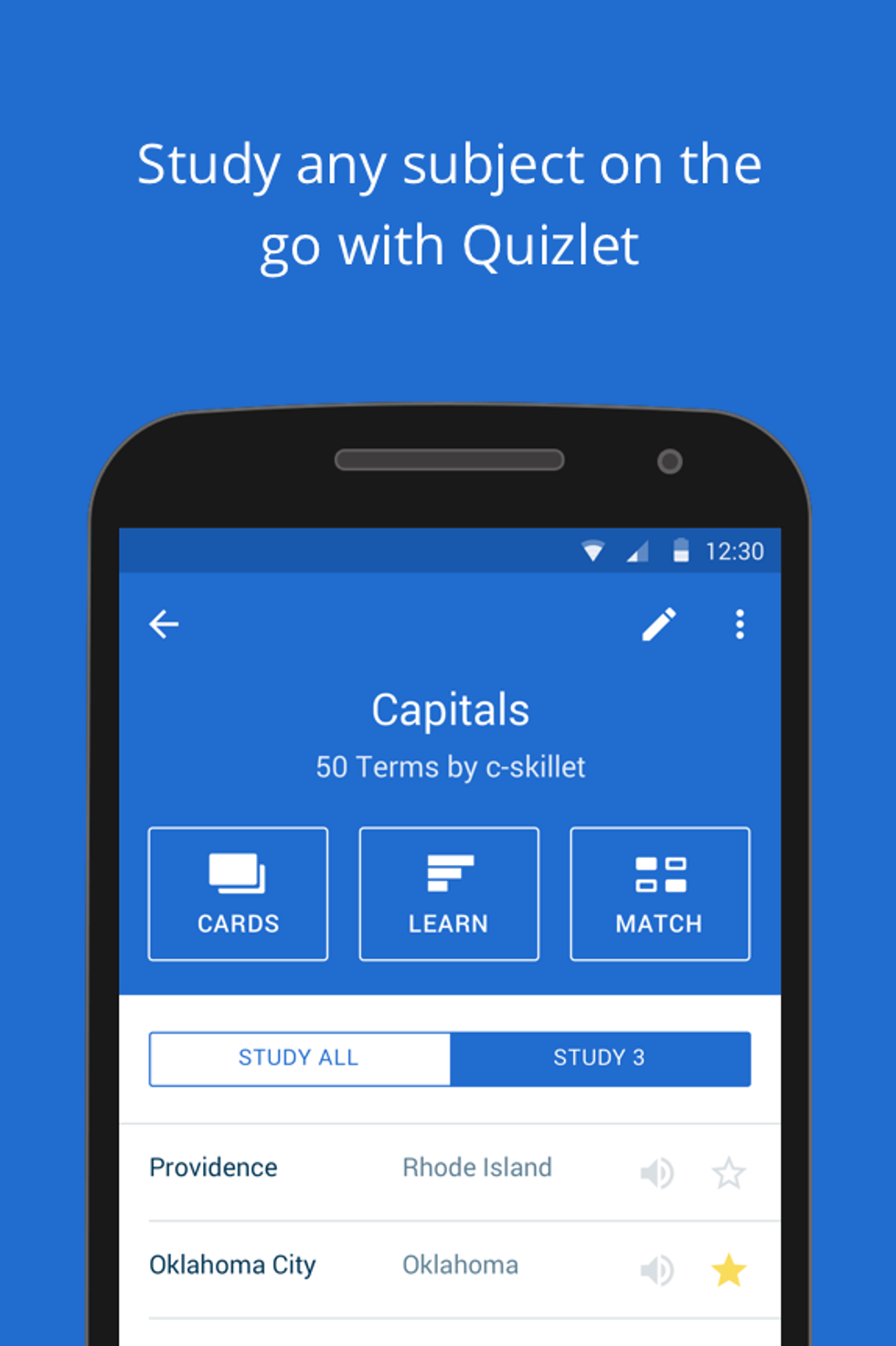
This is a great study app because so many other college students use it so there is a ton of information already there. You can either create your own flashcards or use ones that are already on there from a similar class. It has memory games and ways to enhance studying with images and audio.

4. Chegg
With several apps to choose from, Chegg can help you with textbooks, flashcards and online tutoring. On the flashcard app, you can find flashcards from other users, add pictures to yours and customize your flashcard deck. The tutoring app helps you find one-on-one tutoring without having to leave your dorm room!
5. Pj's Points
PJ’s has a new reward system that is pretty great. When you sign up, you get a free drink (it can even be a large with soy milk!) and every 200 points, you get another free drink. On your birthday, another free drink! For every 5 cents you spend, you get one point, so depending on how often you get coffee, it won’t take too long for free drinks.
6. Wunderlist
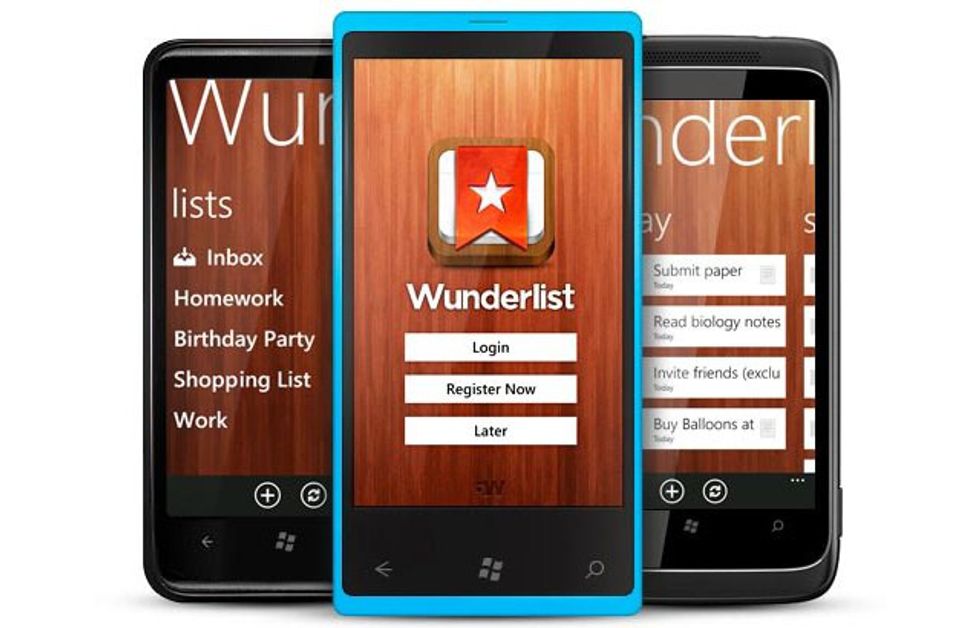
I use this app for all of my to-do lists. It lets you create different categories, so you can have a different one for each class. You can add sub-tasks for each main task, add other people if you’re in a group project, and add due dates and reminders. It shows up on your notification screen underneath your weather with whatever you have “due for today.”
7. RunKeeper
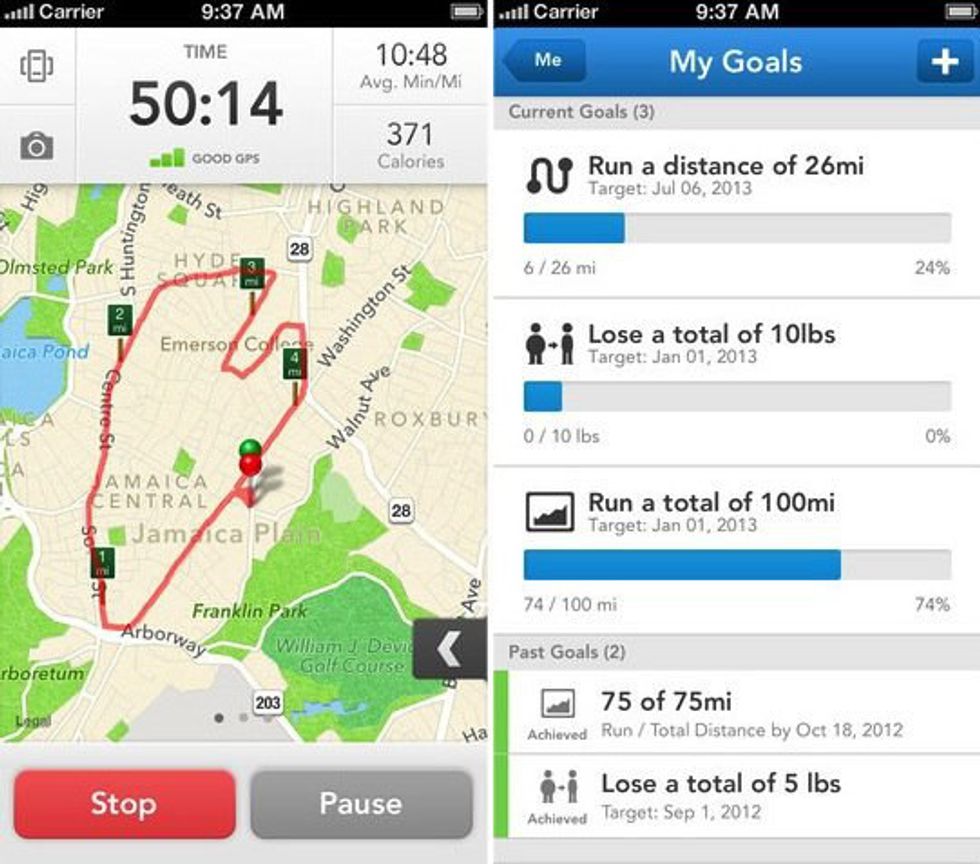
Over 47 million people use RunKeeper to help with their exercise and running goals. Your phone turns into a GPS tracker so you can track your run distance, and it tells you how many calories you’ve burned, the elevation and your running pace! You can add friends to keep each other accountable in your fitness goals.
8. Photomath-Camera Calculator
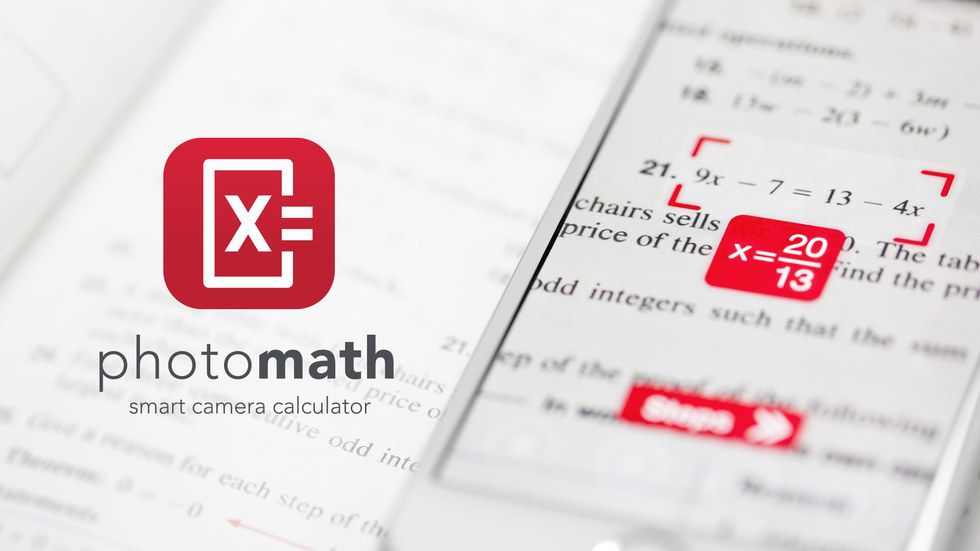
Seems too good to be true but the reviews say otherwise. Take a picture of your math problem and it gives you the solution with step-by-step instructions on how to solve it. It’s not going to solve anything super complex, but it does help with equations, logarithms, fractions and even some integrals and trig.
9. Mathway-Math Problem Solver
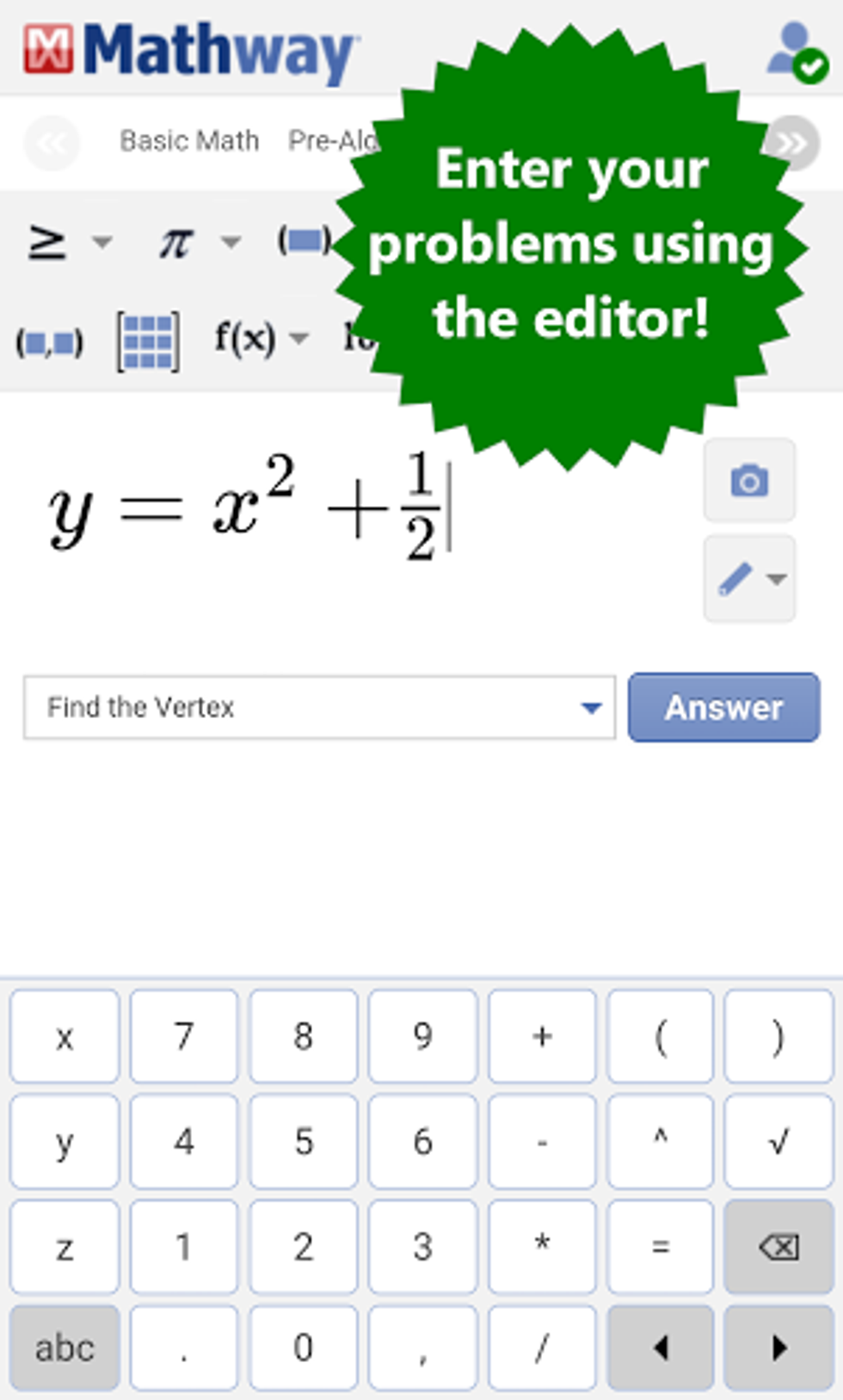
Billions of math problems have been solved using this app. You can type your problem into your phone, or take a picture and receive an instant answer. It has everything from statistics to algebra to chemistry.
10. Khan Academy
One of my friends has pretty much learned everything through Khan Academy. It helps you keep track of your progress and has over 10,000 videos in many different subjects that you can choose from. If you’re struggling with a concept, check out this app to see if it can help you.
11. Moment
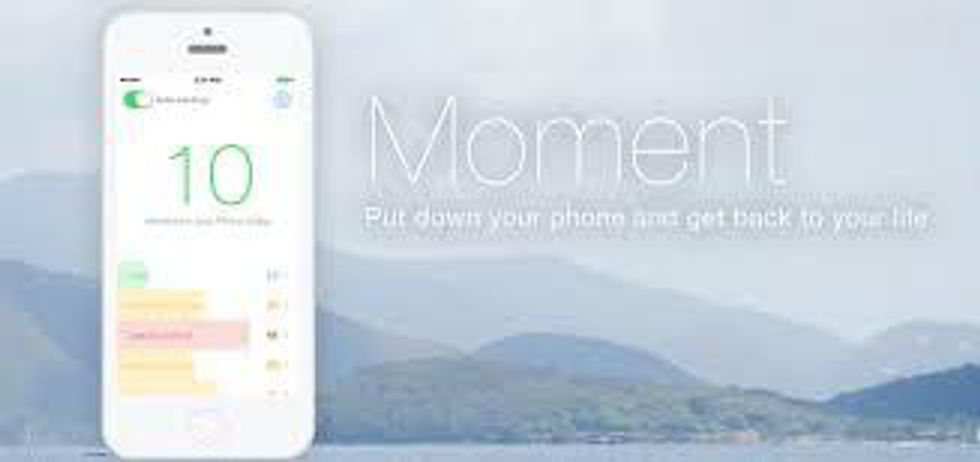
This app keeps track of the amount of time you spend on your iPhone each day. It shows you how many times you picked up your phone, what your longest time looking at it was, and the total number of hours a day. If you’re trying to limit your smartphone time in order to increase your productivity, this is a great way to help keep track of how long you’re actually spending on social media or on your phone.
12. Evernote
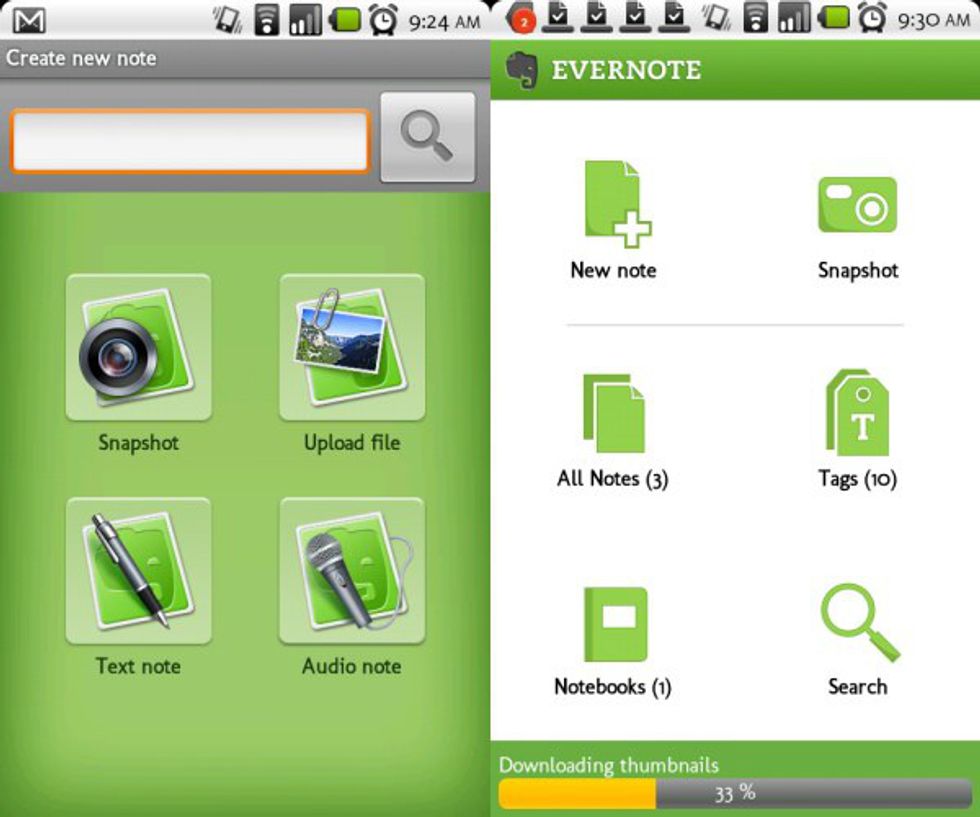
To help you keep track of everything and keep documents in one place, Evernote allows you to attach office documents, PDF’s, and pictures to checklists, work projects or notes and also share all your documents between devices like your Mac or iPad. You can share it with anyone easily and use it to collaborate in study groups or whenever you need to share notes. You can clip from anywhere on the internet and even do research from inside the app.

13. Voice Memo
Already on your iPhone, this is helpful if you record your professor’s lectures. I sit in the front row so I just set the phone on my desk, and it picks up the professor’s voice perfectly. You can let it go for the whole class session, and it only stops if someone calls you. Just make sure you keep your phone on silent!
14. Duolingo
If you’re taking a language class, this app is a must. It was iPhone’s app of the year, and it has amazing reviews from the WSJ, TIME, and most users. It keeps track of how many days in a row you practice, has flashcards, audio, and lets you practice saying the words yourself. You can learn any language from Spanish to German to Swedish. Also, while you use this app, you are helping to translate materials online into other languages.

15. Finish- The Procrastinator's To-Do List
According to their description, “Finish gets in your face when you need it, stays out of your way when you don’t, and effortlessly keeps you focused on the only thing that matters: completing important tasks.” Stop procrastination with this helpful app.