

Now that I’ve moved back into my home in Seattle and am awaiting to start school, I have found myself increasingly on my phone, checking my schedule, organizing files, and of course, playing whatever games I have downloaded. Here is a short list of the apps I have used the most frequently in the past week (besides the essential Facebook, email, and Camera) that I have found very helpful to combat my boredom:
1. Alphabears:
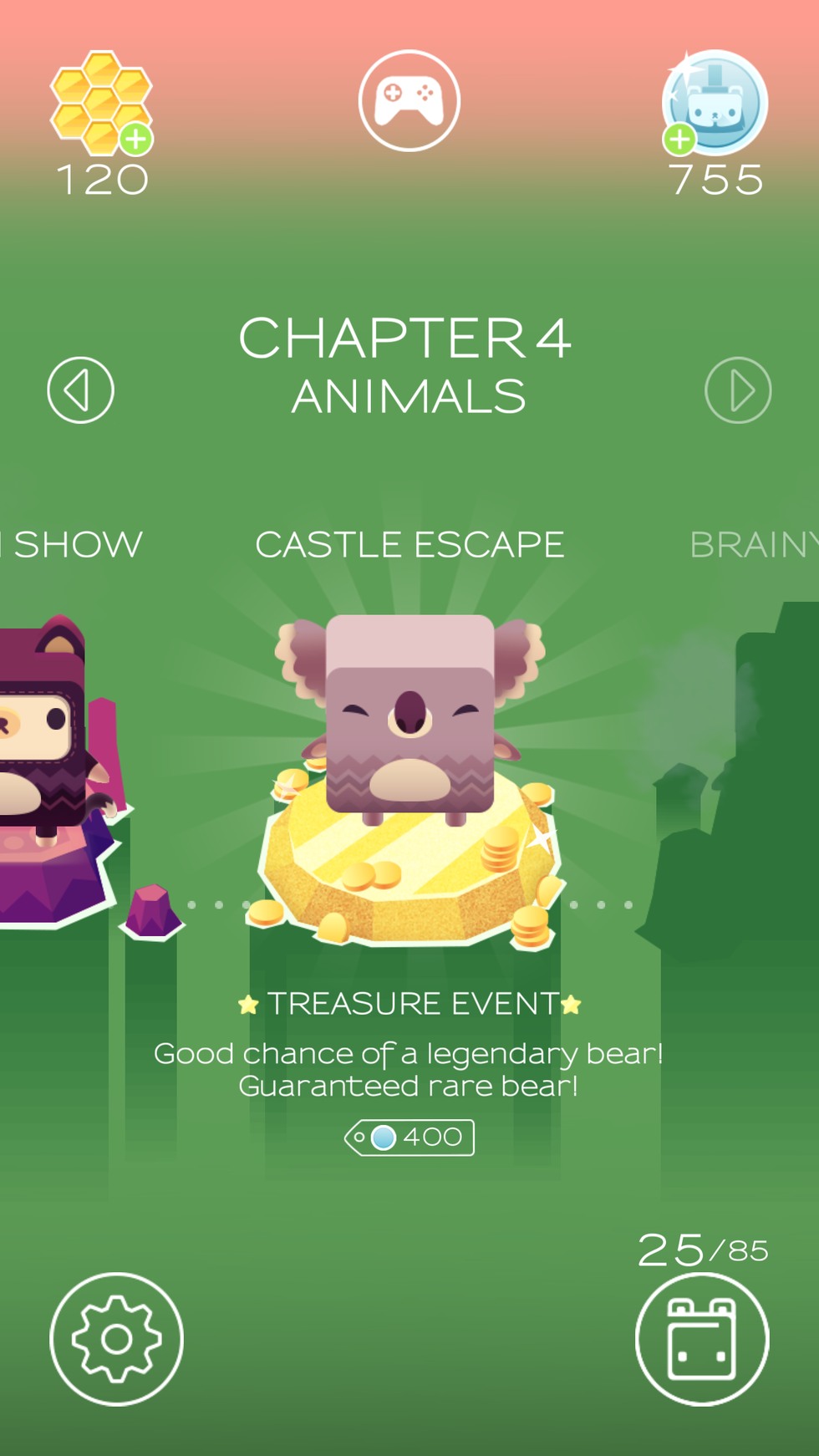
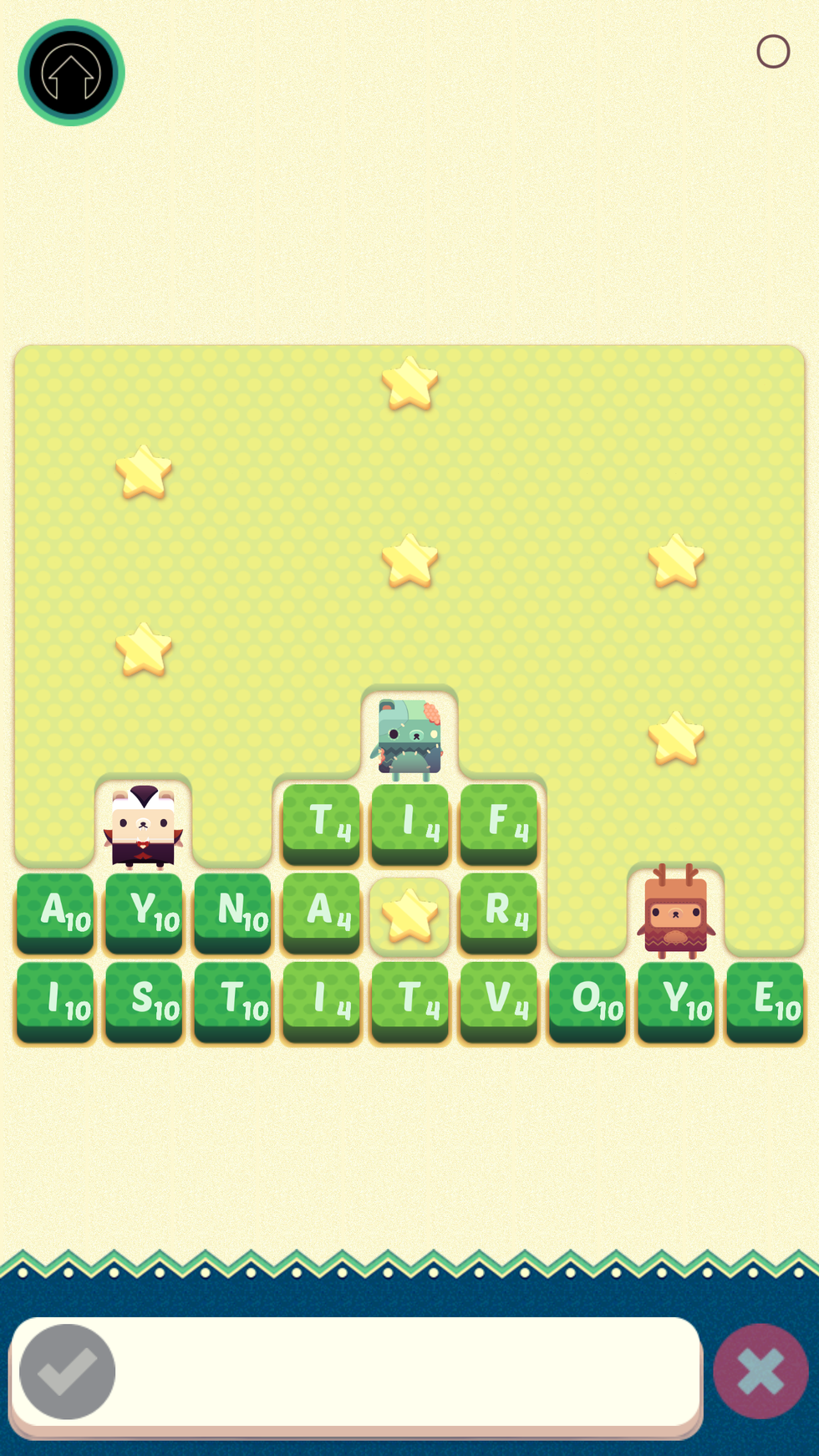
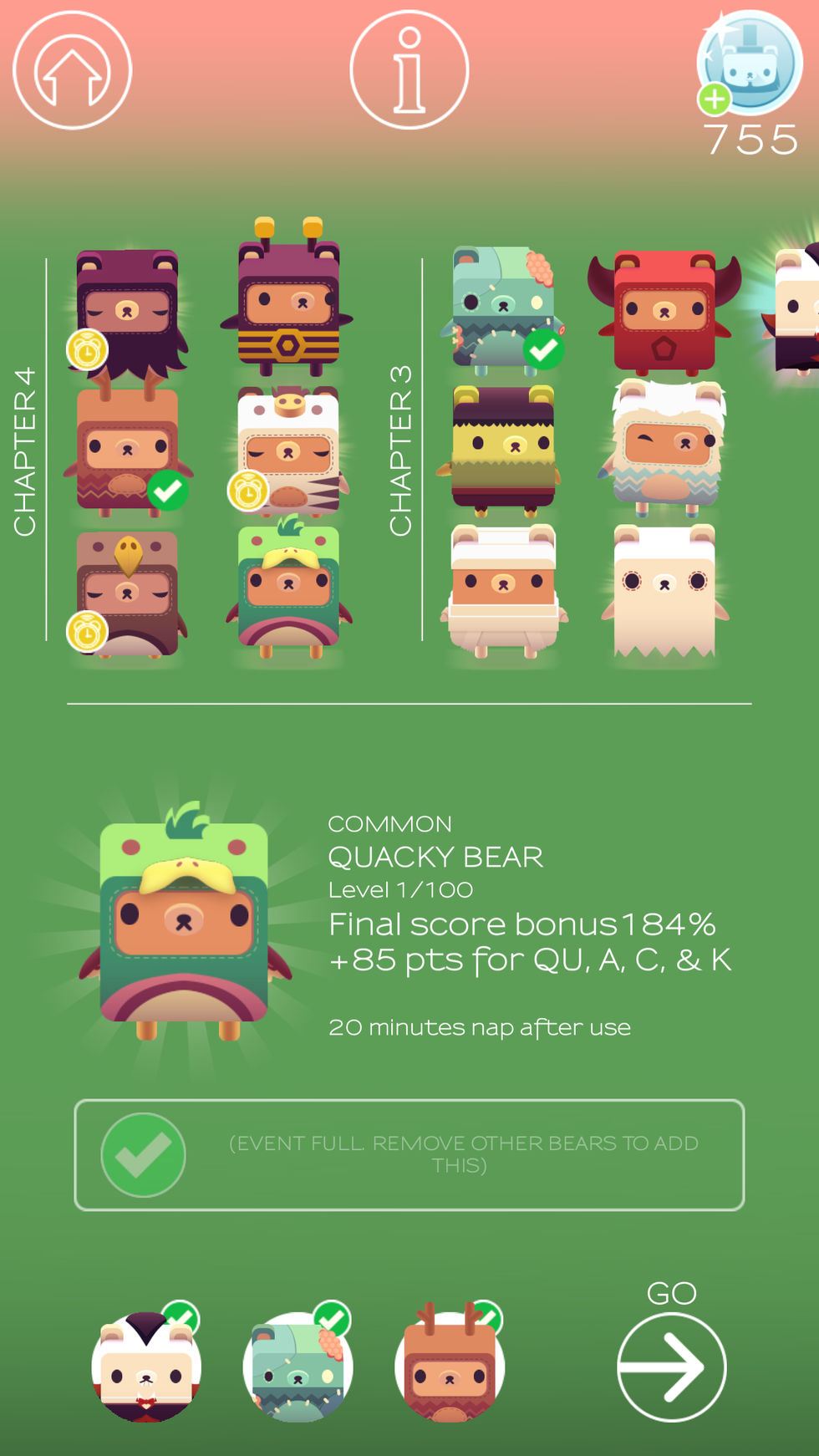
Developed by the same creators of Triple Town (another phone app that I have invested a ridiculous number of hours into the past week), this game is very addicting and helps activate your brain by making you form words. It is perfect for when you want a quick distraction that keeps your brain stimulated. I especially love this app because of its cute animations (who doesn’t love bears in adorable costumes?) but it does require an Internet connection to load new games, which can be inconvenient.
2. Any.do:
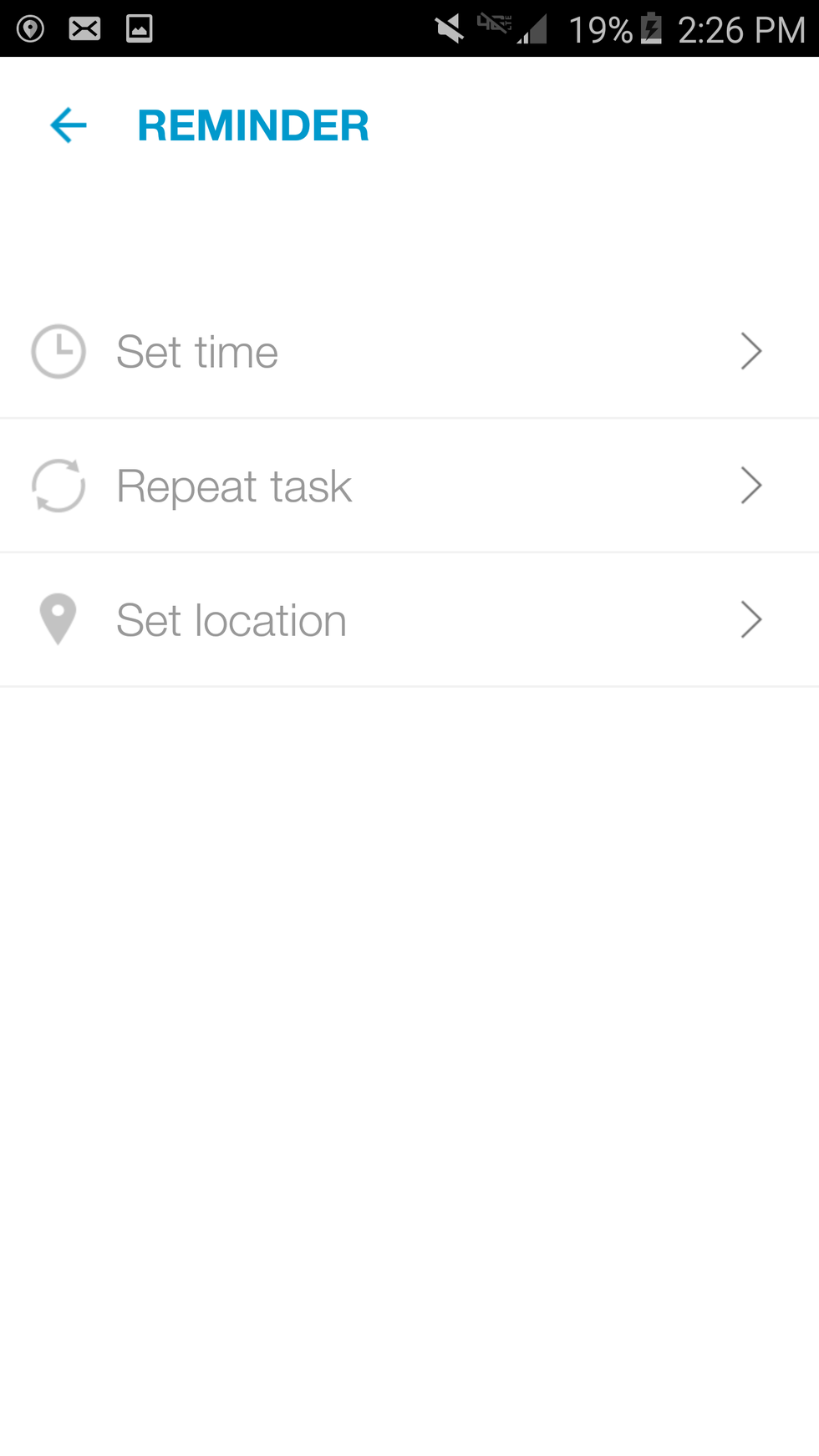
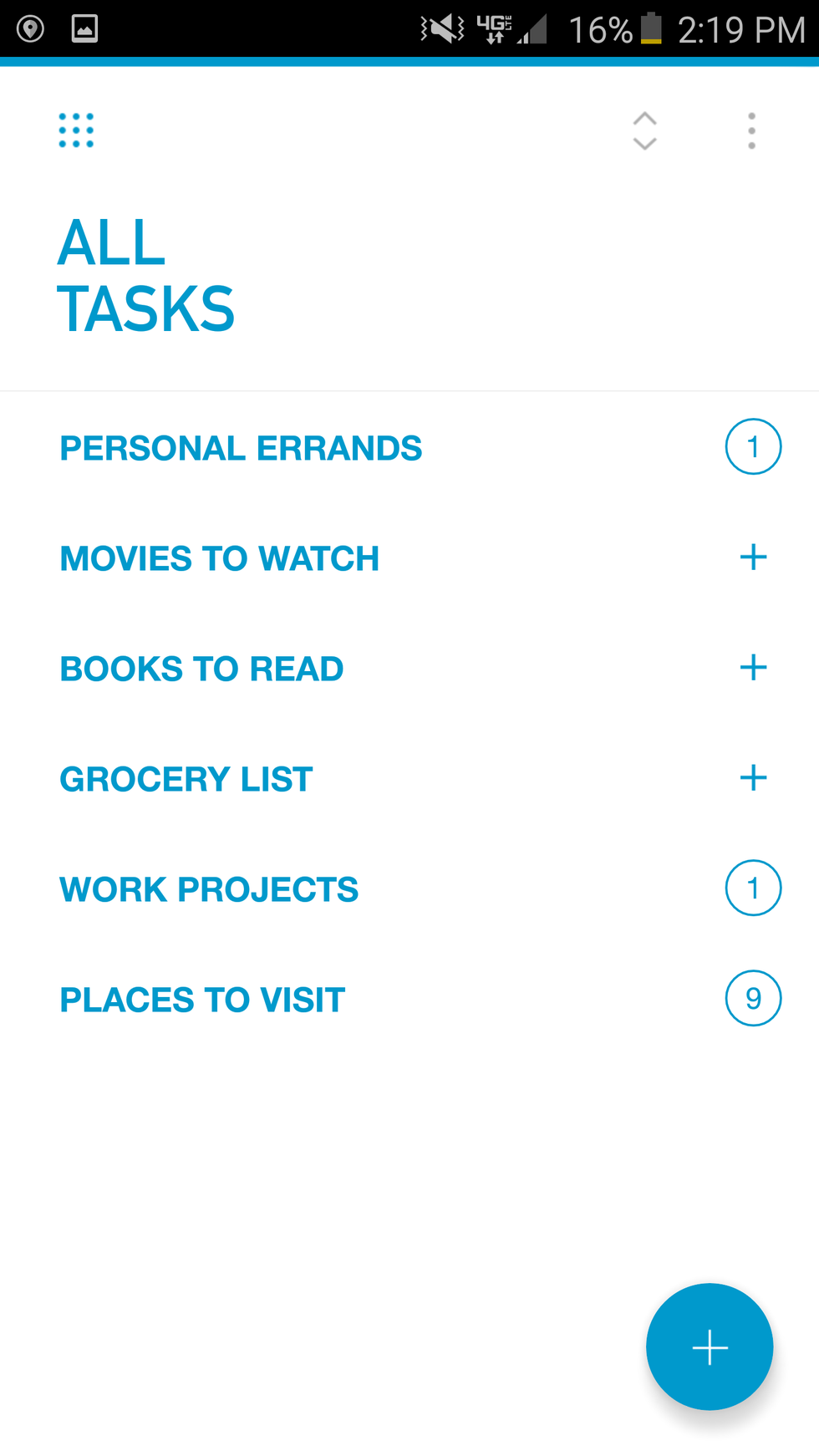
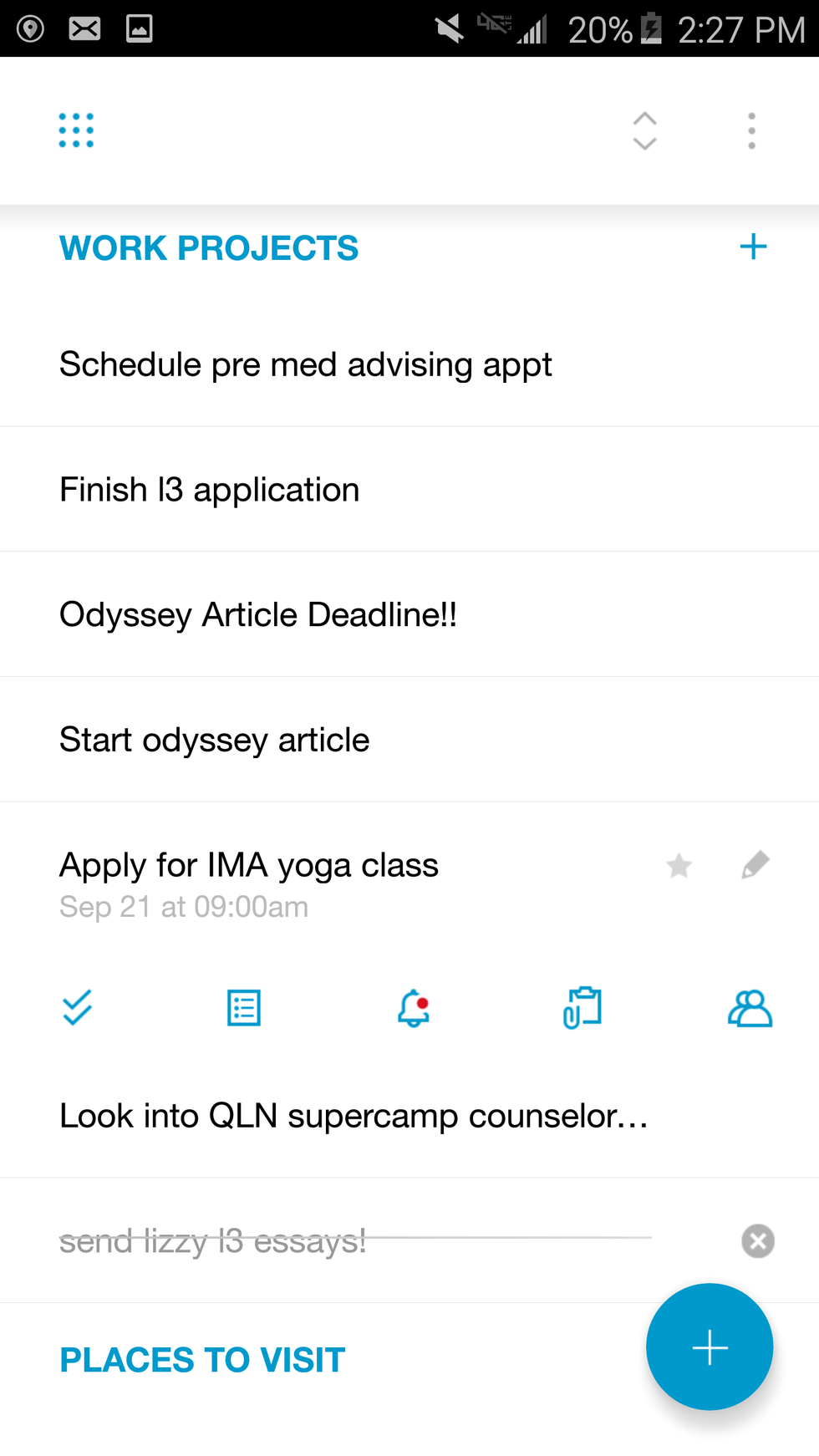
This app falls under the “productivity” category in the app store, as it helps users organize a to-do list. It allows you to make notes for yourself, provides an option to set an alarm as a reminder, and categorizes the notes to make them easy to access. There are many other to do list apps that I have yet to experience, but I have really liked this one because of its simplicity.
3. Kakaotalk:
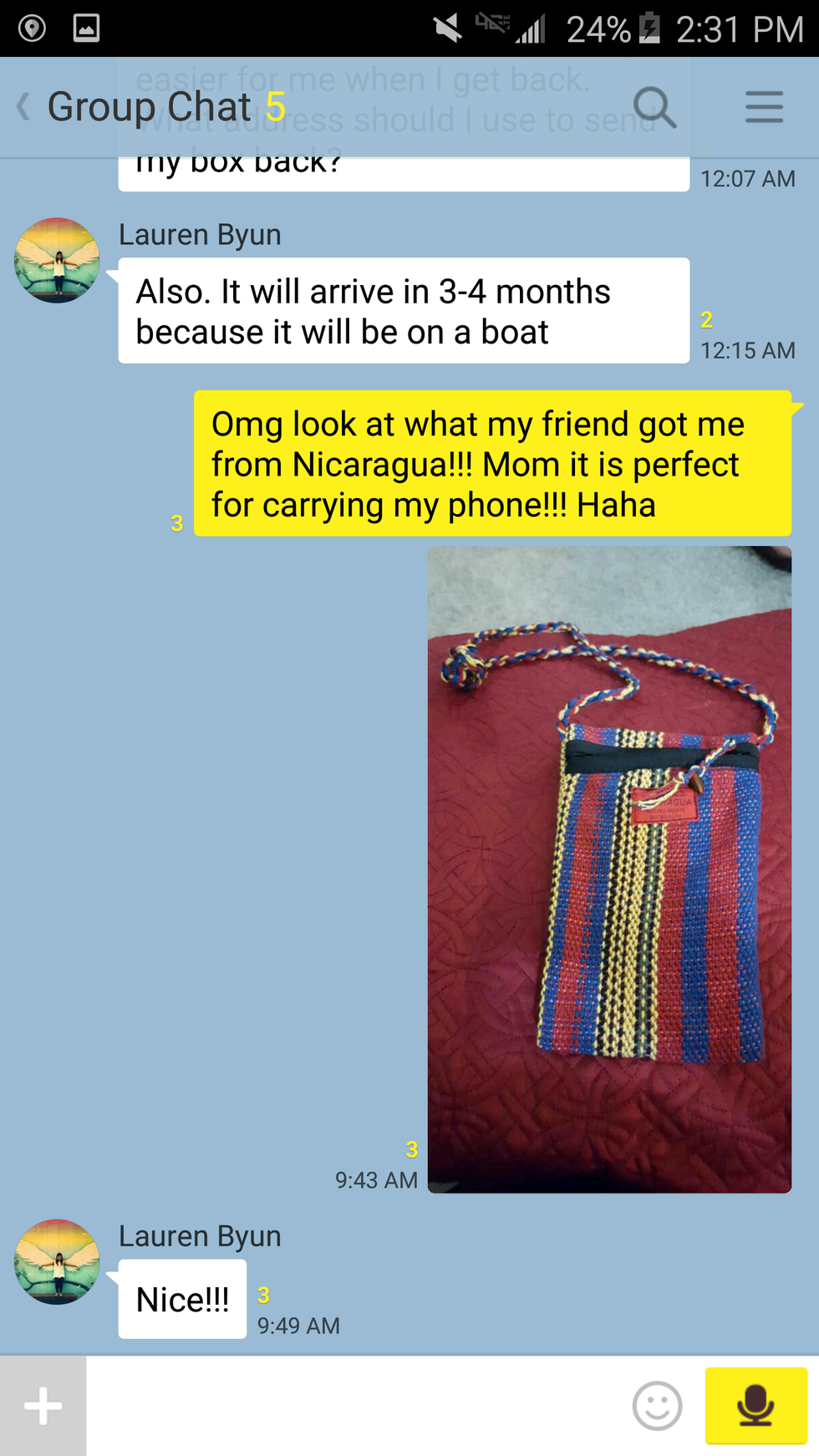
This is becoming an increasingly popular app, but for those of you who aren’t familiar with it, it’s equivalent to Facebook Messenger, or WhatsApp -- an alternative form of texting. The reason I use this so often is because it is very popular in South Korea, and it has been my primary form of communication with my older sister, who is currently still teaching English there (in the lovely rural town of Yecheon). Kakaotalk is also useful because in some countries, such as China, Facebook is restricted, so it allows for me to communicate with friends who live in those areas as well. Some great aspects of Kakaotalk include free video and voice calling (with a stable internet connection), easy sending of photos and other attachments, and dozens of unique emoticons!


4. Flipboard:
This is the app I use to receive updates on world news. Flipboard has a wonderfully simple and straightforward design that allows you to “flip” through pages of articles really quickly. What I especially like about Flipboard is how it compiles articles from many different sources, allowing me to have a broader exposure to various news sites, all in one place. Flipboard has several categories to choose from (News, Science, Travel, etc.), and gives you the option to prioritize which categories appear first when you load the page.



These are some of my favorite apps to help me stay updated, organized, and entertained. As the school year approaches, I am hoping to spend less time on Alphabears (and more on Any.do), but before classes start I recommend you try these all out, and see what works for you!
P.S. Feel free to comment/share what your favorite apps are, and which ones you think I should try!