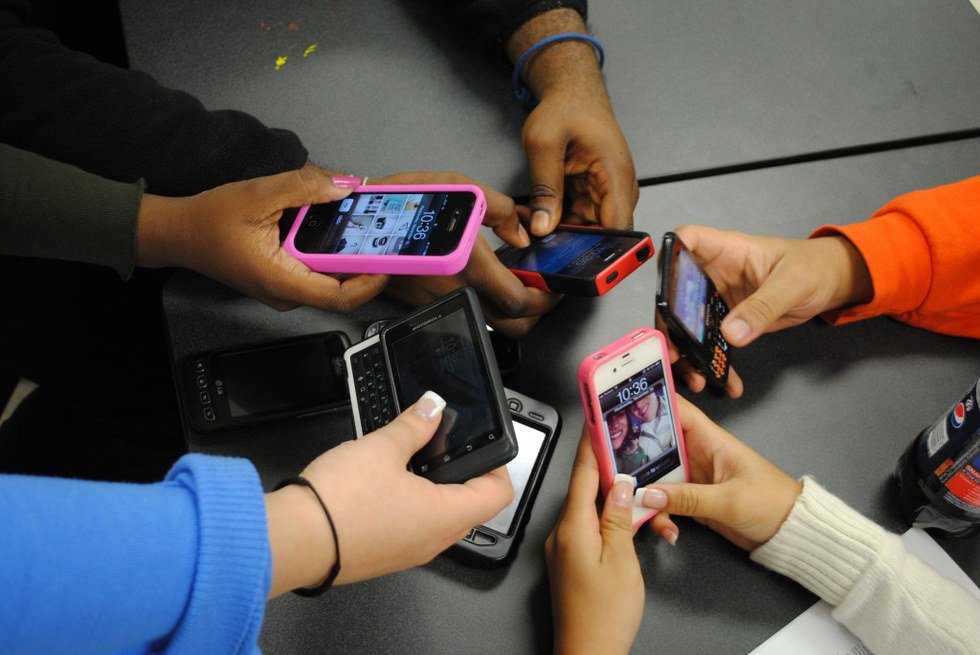
College can be stressful but luckily, thanks to technology, these apps can make it a little easier to get by. Make sure to download these before starting fall semester!
1. Venmo

Venmo is an app that can be used for a variety of things. You hook your bank account up to your Venmo account, and it transfers money from the app to your bank account. If you are out with your friends and do not have money, they can pay for you and you can easily transfer them money through Venmo (as long as you both have the app). You type in their name, the amount you want to pay them and then confirm, and the money is taken from your account and put into theirs. This works well when it is easier to do one check at a restaurant, paying rent or go through the hassle of splitting an Uber.
2. The Skimm
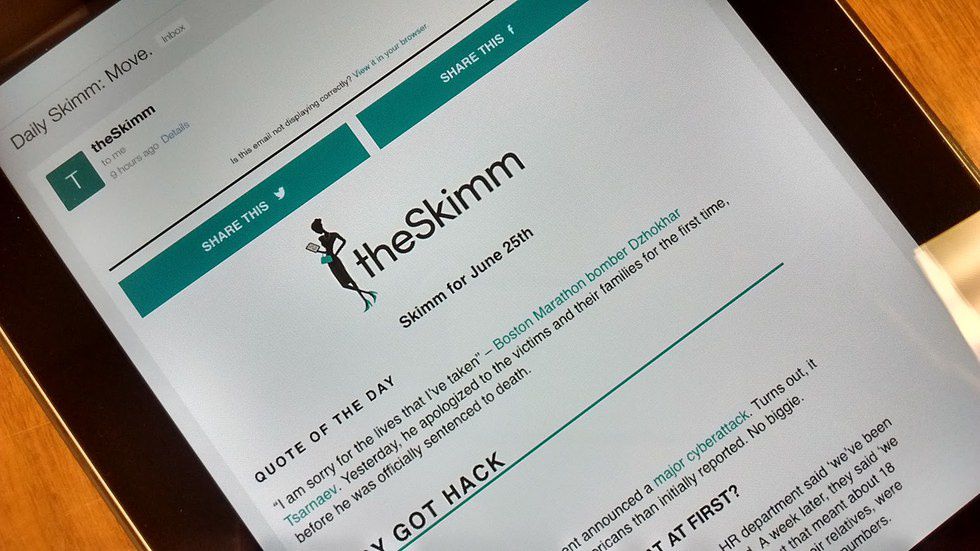
The Skimm can be used in many different ways. It’s a newsletter that can be set to your email, an app you can download or just a blog you can visit. The Skimm gives you everyday news, but breaks it down in a way that is easier to understand for news, such as politics and government issues. That way you can know what is going on in the world very quickly without having to watch Fox or CNN or read a newspaper (cringe).
3. GroupMe
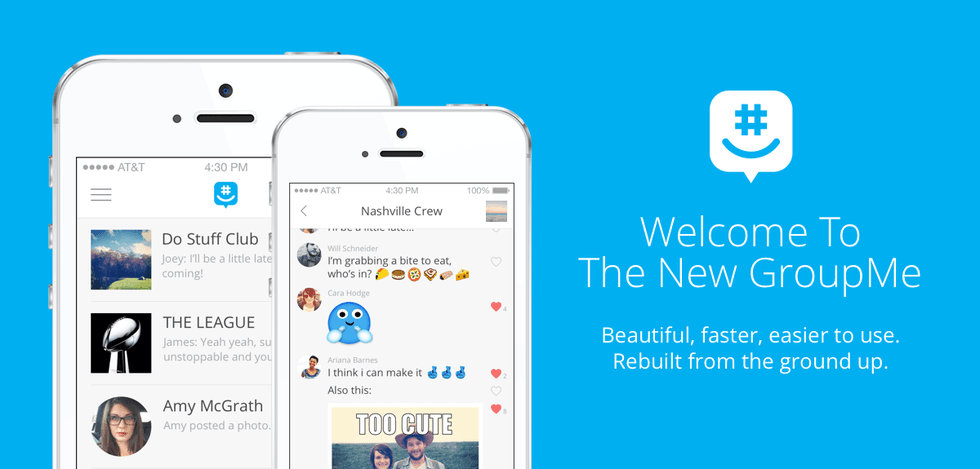
Apple recently made it possible to turn off notifications from group messages via texts, but most college kids still prefer GroupMe. You create a group and choose a picture avatar along with a username and name your group. When you open the app, you can see all the different groups you are a part of and can choose to mute certain groups if you do not want the notifications. If you choose to mute the group, someone within the group can tag you in a message, which you will then get a notification and be able to catch up with the group chat. Say goodbye to 76 missed texts after your nap and hello to a more organized group chat.
4. iTunesU
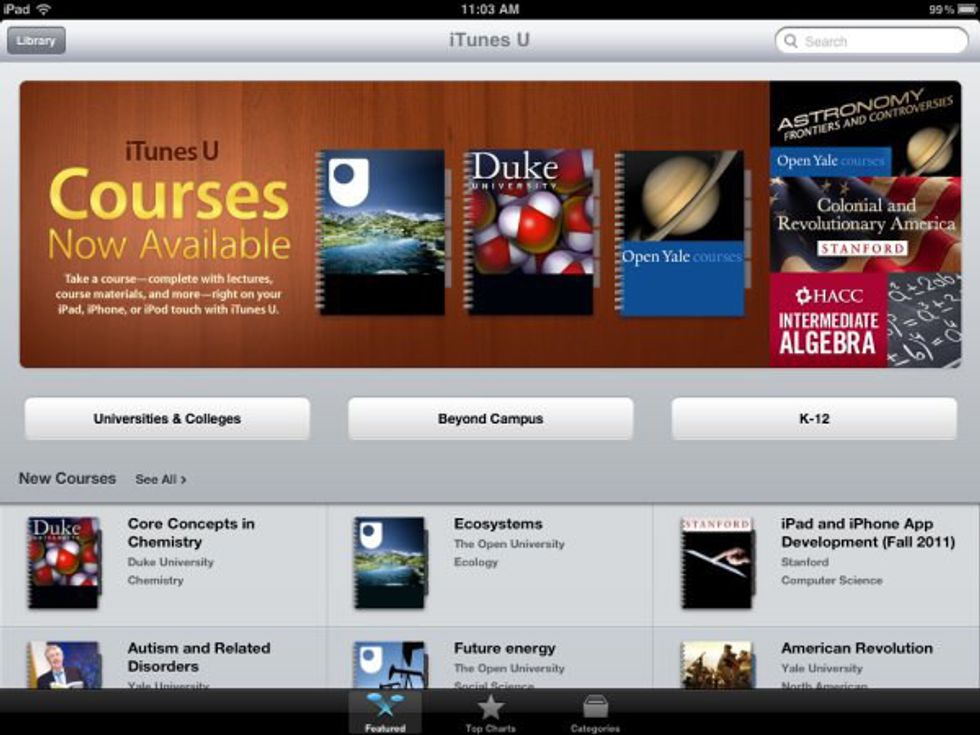
AKA, ITunes University, iTunesU is used by a lot of different schools and professors. For almost all my classes, my professors use iTunesU to attach PowerPoints, study guides, online books and more. You can also search for the book used by your professor and other helpful study tips related to the book will become available, but not all books are found on iTunesU FYI. iTunesU works best on an iPad.
5. Evernote
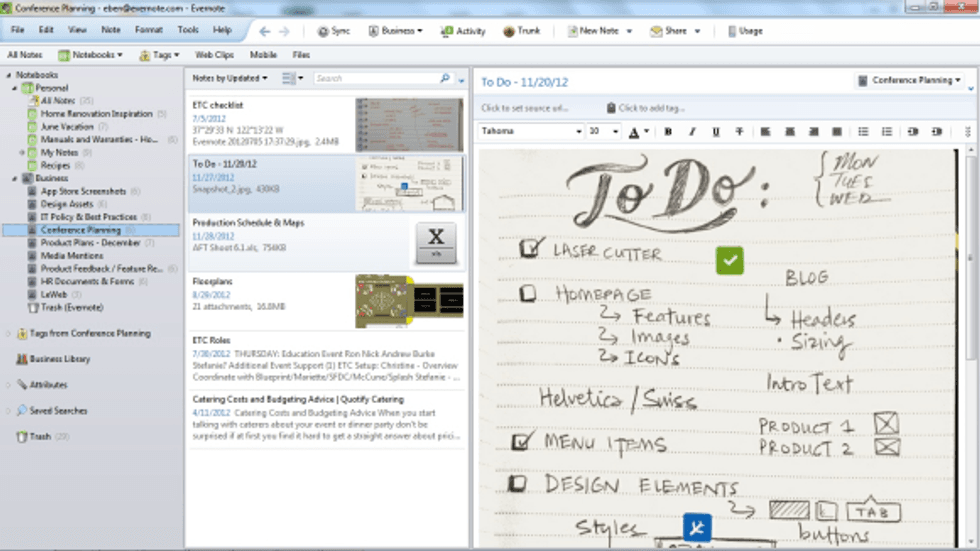
Evernote is a great way to take notes if you are not a pen and paper type of person. The app allows you to take notes in different ways that you prefer and also make "to-do" lists. It works best on an iPad, as well.
These are just a few apps I found helpful in college. Don’t forget to download other apps, such as Uber, Pinterest, Tapingo, your bank's mobile app and restaurants like Chipotle or Panera for online ordering for when you are running to class. I would also take full advantage of the app already on iPhones, such as Find My Friends, which is useful in so many different situations. Have a great school year!