

During the semester I am always scribbling away, writing lists so I can stay organized and productive. I have a daily planner with a calendar for the days of the month and the individual days. I use different color pens to write down the different meetings I have for each day of the week. For the daily tasks, I write in the normal day spot.
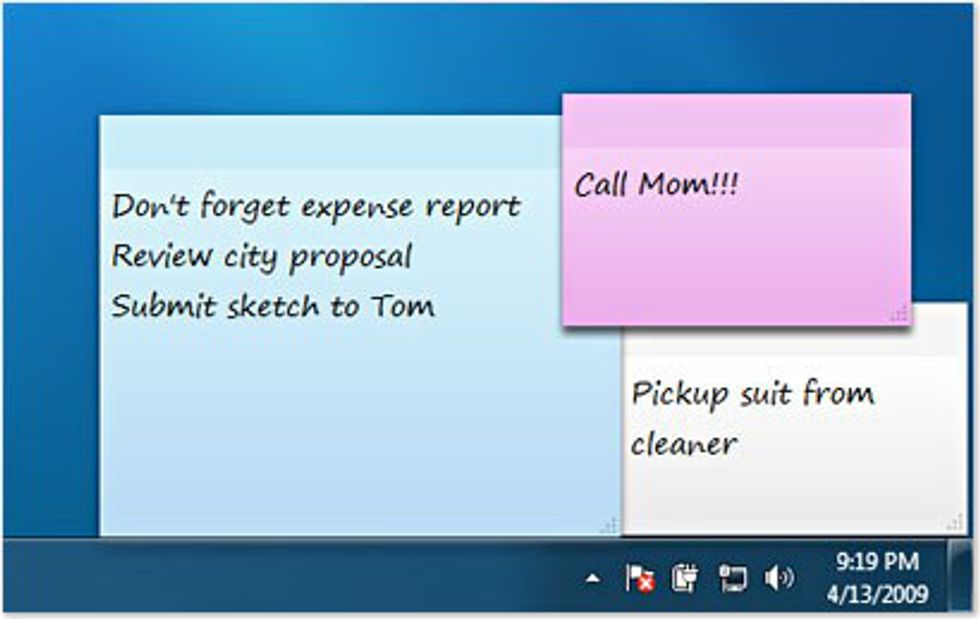
However, when I decided to sit down to figure out how much I really do need to finish, I write out a list. Post-It notes or scraps of paper, whatever I can find. Honestly, once I have everything written down, I kind of want to crawl into my bed with a good book and forget about life.

Since those list are so overwhelming, I also use different color pens. For example, I would use red for items due that day, orange for something due the next day and so on. That helps my mind break down and prioritize all of my tasks.
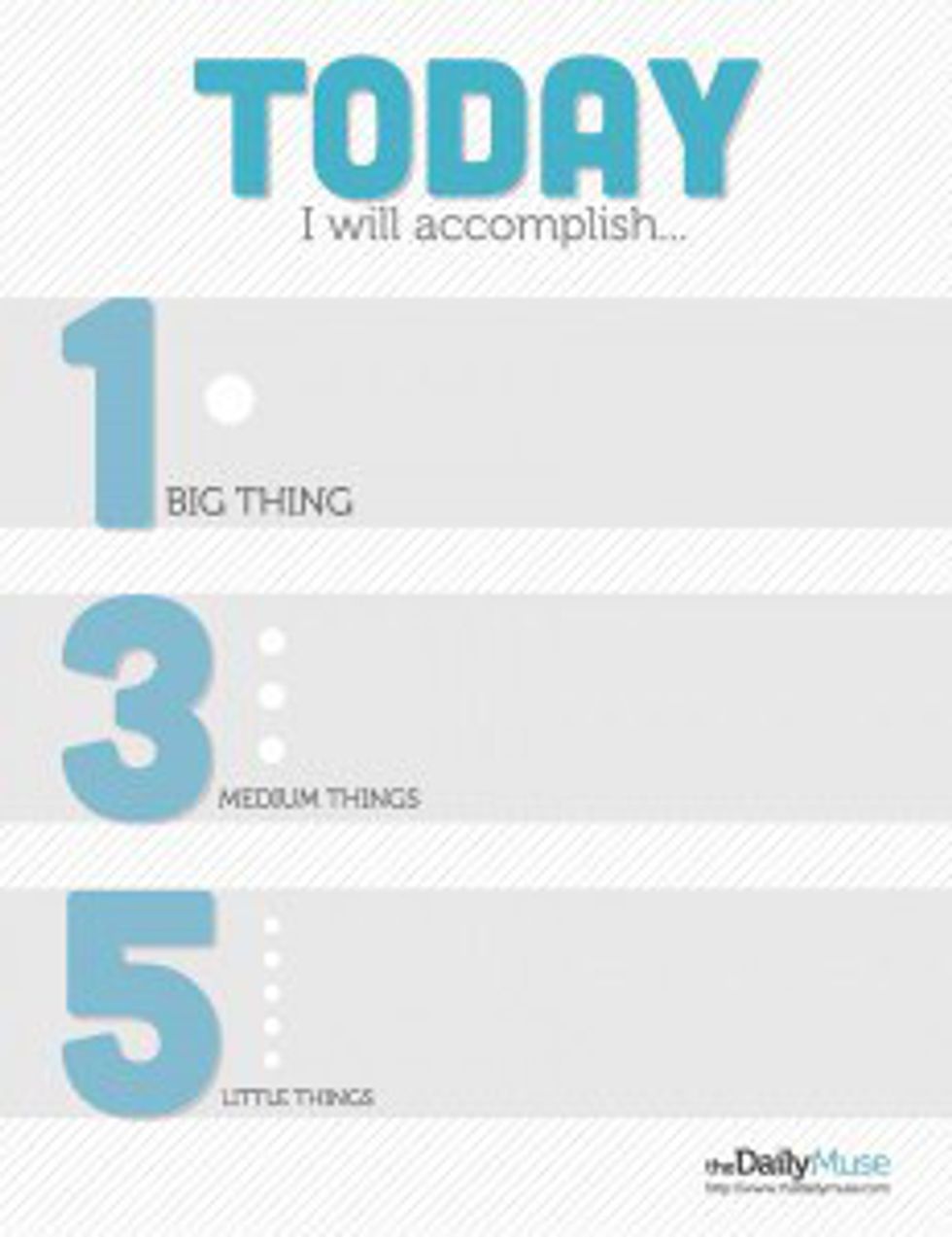
Since I'm always looking to improve myself, I did research on known ways to make a more productive to-do list. From themuse.com, co-founder and COO Alex Cavoulacos shared a rule called the 1-3-5 Rule. To narrow your to-do list each day, you "assume that you can only accomplish one big thing, three medium things, and five small things." According to the article by the Daily Muse Editor, this will help you accomplish what really needs to get done rather than something you would randomly get done.
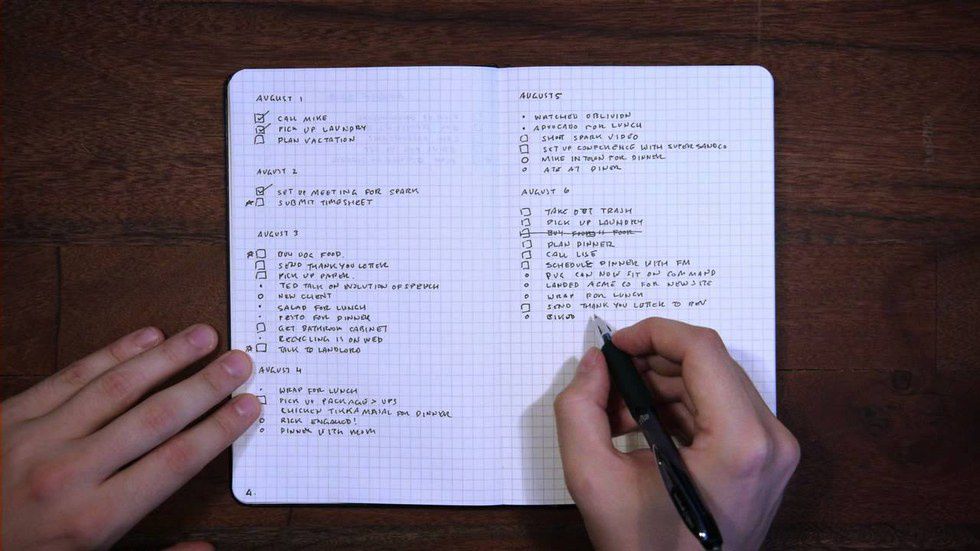
A while back, I also discovered something that any list maker, like myself, would be eager to try out. It is called the Bullet Journal. It is a revolutionary way to organize your to-do lists. On the website there is a video on the system that artist Ryder Carroll designed.