
When I told my friends that I wanted to start watching Shameless they were excited because they were avid fans of the show. They also wanted to know how I would react to the craziness that occurs each episode and watch it with me. The issue here is: these guys live all the way down in South Carolina. (One thing that you may need to know about me is that I’ve met an entire group of friends that I’m close with because of my slight addiction to gaming. So I have friends all over the United States, some as close as Bethlehem and some as far as Texas.) However, even though they’re so far away, I wanted to watch this show with them, and thanks to the power of the internet and creative Chrome extensions, I can do exactly that.
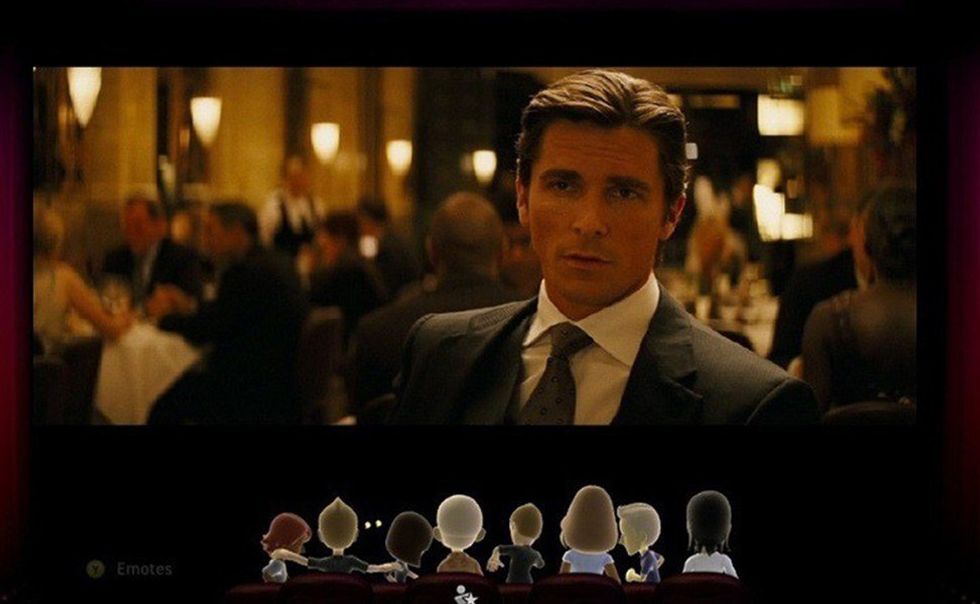
Netflix Party is a Google Chrome web browser extension that allows you and a friend (or two or three) to watch something on Netflix at the same time markers, taking out the “Okay, ready? 1, 2, 3! Press play! … Are you also at 1:15 right now? No? Alright let’s try again from there,” of long distance show watching. When you click on the small Netflix Party icon with a Netflix show up, it opens a box that says “Start the party!” Clicking on the box gives you a link to send to your friends so that they can join in.
Who has control of the play button is up to who starts the party. You can make it so that only you have control or so that everyone watching has control. It also adds a neat little chat box next to the show or movie so that you guys can talk about what is happening without having to switch browser tabs or split your screen. Although we usually talk over a voice chat while watching, it’s still a nice feature to have if we ever decide to forgo the vocal aspect of reactions.
I first heard about Netflix Party from my best friend, who uses it to watch Cutthroat Kitchen with her significant other while they are home from school. The convenience that it offers to those who are distanced from each other but still want to share the experience of watching a show together is one of my favorite things about it.
When I first told my two friends about this extension, they were ecstatic to start watching with me and hear how I would react to things that they already knew about. While it took a few tries for everyone to get on the same page and get things started for the first episode, now that we all know exactly how the extension works it’s set up in less than a minute.