Well, it's that time of the year again where students are frantically trying to hold onto what's left of summer while school looms overhead.
Between the whacked out sleep schedule, diet, and overall laziness, going back to school can be a difficult adjustment.
It's even harder when you realize you have to get back into the groove of being a self-sufficient, academically responsible adult again, but if you're a Google Chrome user, extensions are here to help.
Extensions are small programs that you can download from the Chrome Web Store so that you can cater the browser to your personal preferences. The needs that extensions can serve in Chrome are virtually endless, and if you find the right ones, extremely helpful.
Below are a list of free Chrome extensions I personally use that have made college life a little bit easier to manage.
1. Grammarly
Grammarly is a proofreading tool that checks your spelling and grammar for anything that you write online, from your emails to your Facebook posts. It will highlight any corrections that need to be made, and when you hover over them, it will explain the reason behind the correction.
It's basically every writer's dream come true and essential for those struggling with the English language.
Signing up for a free account also gives you access to Grammarly's native app for your desktop and a nifty add-on for Microsoft Word.
2. StayFocusd
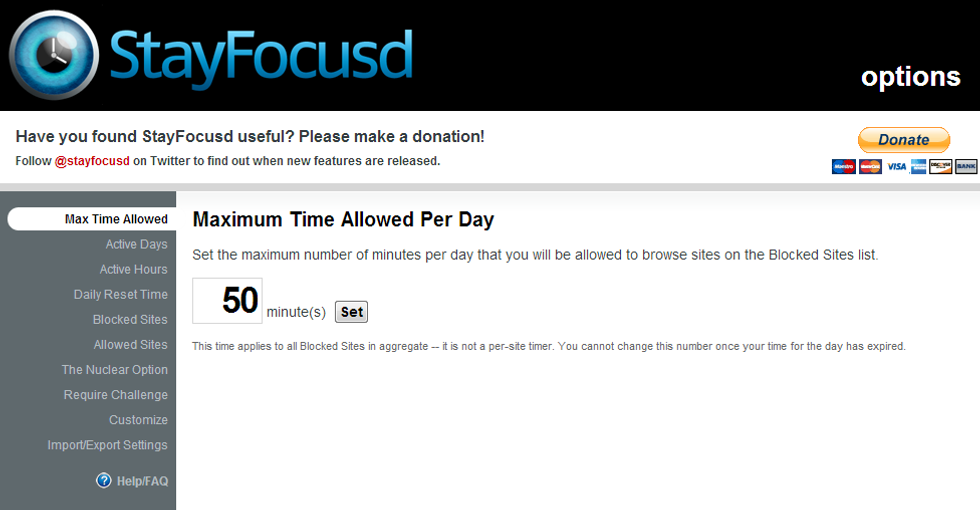
If you're a procrastinator like me who uses the Internet as an excuse to waste time, you'll definitely need StayFocusd.
This extension limits the amount of time you spend on certain websites. Once your time is up, you're kicked off the site until the daily reset time. You can customize how long the limit should be and which sites you need to stay away from. For those who are very desperate, there's even a Nuclear Option that will block any site(s) you choose for a certain number of hours with absolutely no way of cancelling it.
I use StayFocusd even when I'm not in school because I'm well-aware of my lack of self-control, and The Nuclear Option actually helped me get through my finals last semester, so you can bet it works.
3. Dark Reader
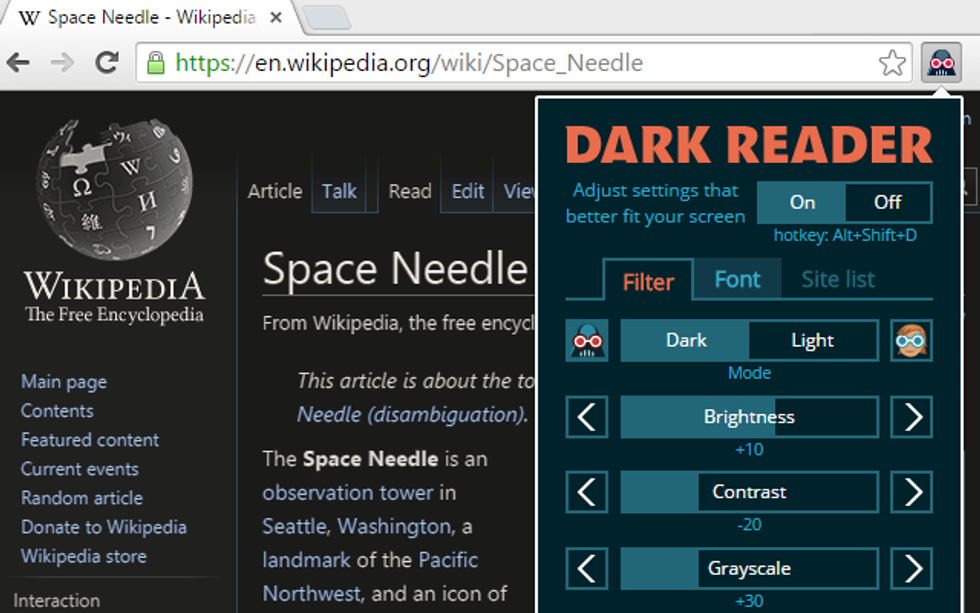
Dark Reader inverts the colors of any webpage that you're in, making it the perfect extension for those pulling late nights, those with sensitive eyes, or both.
You can choose which website you want or not want to be inverted, and it comes with many other customizable features. Pair it with a blue light filter like f.lux and your eyes will seriously thank you for not blinding them.
4. Print Friendly & PDF
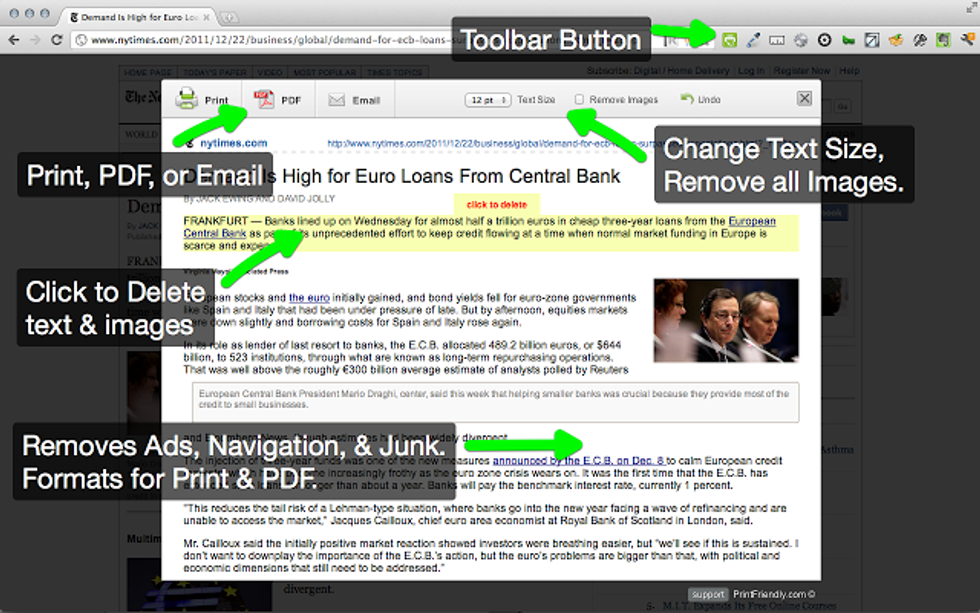
Print stuff from the library can be a bit of a nightmare, especially when you have to pay for each page you print. Print Friendly & PDF is pretty self-explanatory, but if you find yourself having to print a lot of article or random webpages, it definitely helps if you can save some paper in the process.
5. Honey
If you find yourself doing a lot of online shopping and a little bit short on cash, Honey is here for you.
Whenever you go to checkout on a shopping site, just give a click and Honey will automatically go through all available coupon codes and apply the best one that saves you the most money. If you tend to use Amazon, Honey will also tell you if you can save more money on a specific product that you're looking at.
Bonus: Showgoers for Netflix

When you really want to watch the latest Netflix Original movie or show with someone, but that someone happens to be on the other side of the country, Showgoers makes sure you can make the most of it. When you invite people to a Showgoers session, it will sync up everyone's Netflix players and provide a party chat so everyone can participate.
If you can also add Skype or some other voice chat into the mix, then more power--and Netflix--to you.
These are just a few of the many Chrome extensions that have helped me with college life. If you do use extensions, then consider giving these a try. If you don't, then maybe it's time to change that.