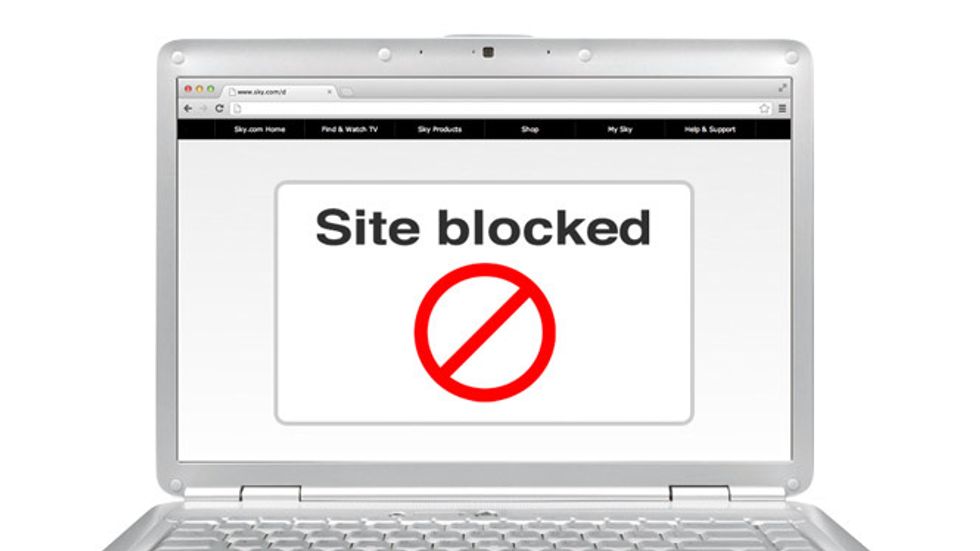
There are many reasons why your office or school network administrator create filters to block some specific websites, such as social networking sites: Facebook, Twitter or Google; and many others. But the main reason that they don't want you to access these sites while learning in the school or working at the office.
You can access those sites by using your 3G/4G LTE network with your mobile phone. But there are some ways you can use to bypass the restriction and access blocked websites, like VPNs, proxy websites or change DNSs.
VPN Method.
VPN is a secure method, lets you connect to another computer and use it as the bridge for transmitting data from your computer to the internet. The data is secured and encrypted, so no one can see and block anything inside the VPN.
Best VPN Service on the Internet.
- HideMyAss: Windows & MACos.
- NordVPN.
- Hoxx VPN Proxy Extension For Firefox.
- Opera Browser Built In With A VPN.
- ZenMate For Chrome.
Proxy Method.
Not like the VPN, proxy websites like a virtual web browser that available online, all you need just enter website URL you want to access and it will go through.
Best Proxy Websites.
- hidester.com/proxy/
- hide.me/en/proxy
- proxysite.com
- kproxy.com/
- vpnbook.com/webproxy
Change DNS Method.
The DNS is the server which has all the data or information about all the websites around the internet and world. Generally, any country can block any website from their countries ISPs,
You can also change default DNS of the ISP to Google's DNS service or OpenDNS as well.