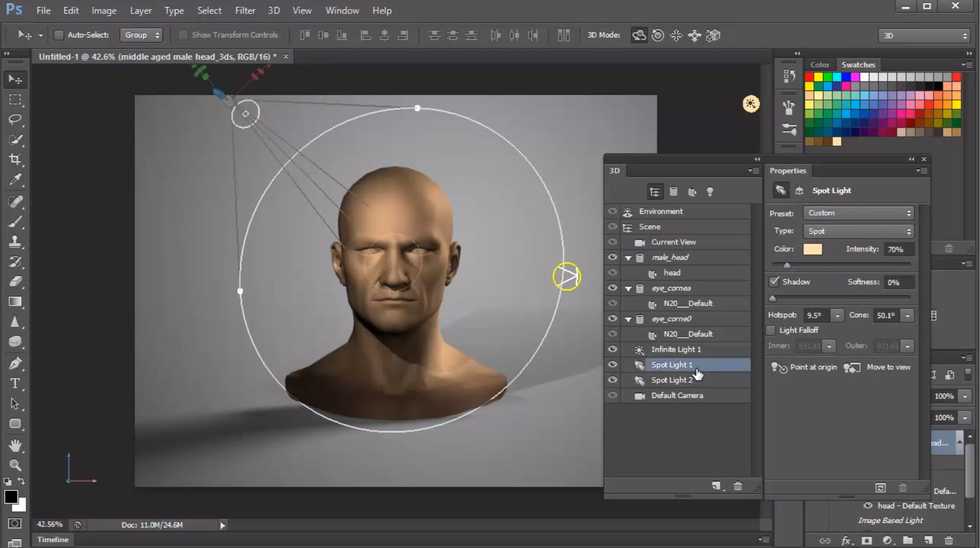
Everyone has heard of Photoshop, in a negative or positive light. It's useful for a lot of things, such as editing photos, creating graphics and even 3D modeling. It's a wonderful tool that everyone should have installed and learn how to use, but the thing is...where do you even start? Have no fear, read on and discover tutorials that can open you up to the world of Photoshop.
1. The Basics
It's always great to start at the beginning. This Photoshop tutorial will tell you everything you need to know about the program in under an hour, including special tricks and tips. I highly recommend watching this first before even buying Photoshop.
2. Backgrounds
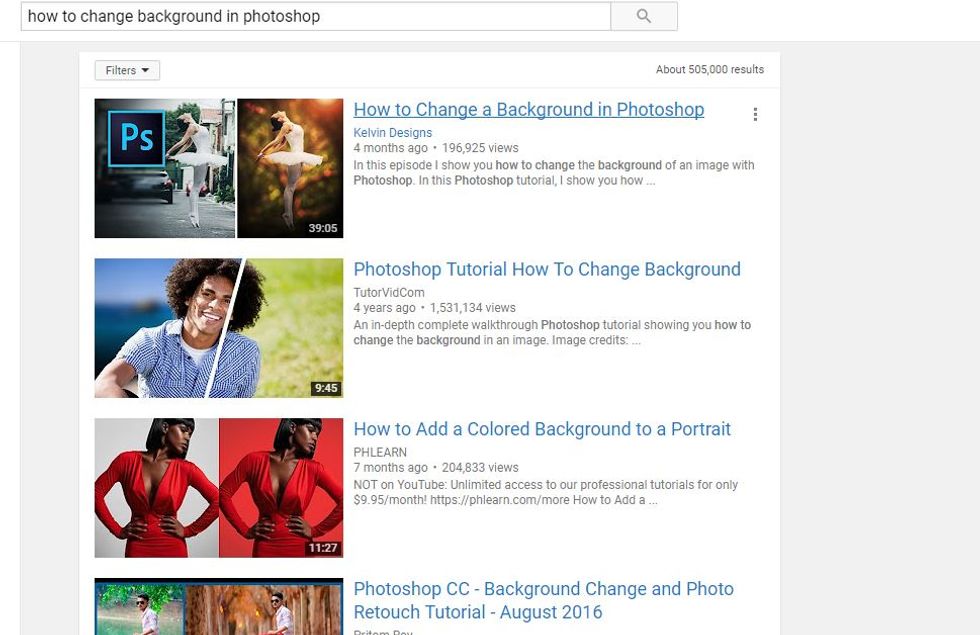
This demonstrates a very popular trick that Photoshop is used for: to crop photos out and change the backgrounds. Luckily, there are hundreds of tutorials on the topic, and it's worth getting used to knowing how to use this once you download the program.
3. PSDS
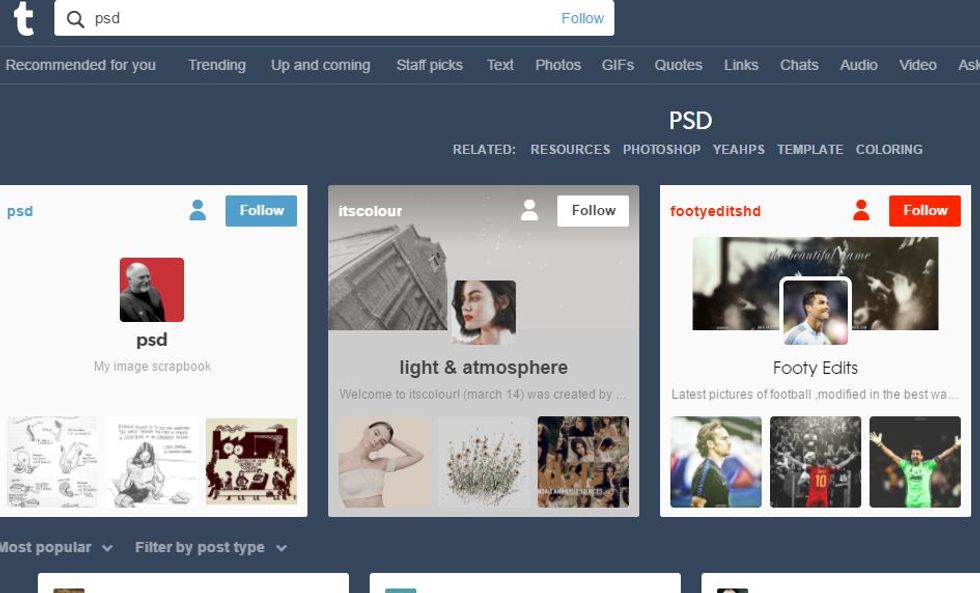
Last but not least, PSDs are one of the many Photoshop terms that you'll learn once you start using it. PSDs are filters created by Photoshop users, and you can even make your own. I highly recommend going on Tumblr for this because there are many Photoshop-centered blogs that have free PSDs to download for beginners and more tutorials.