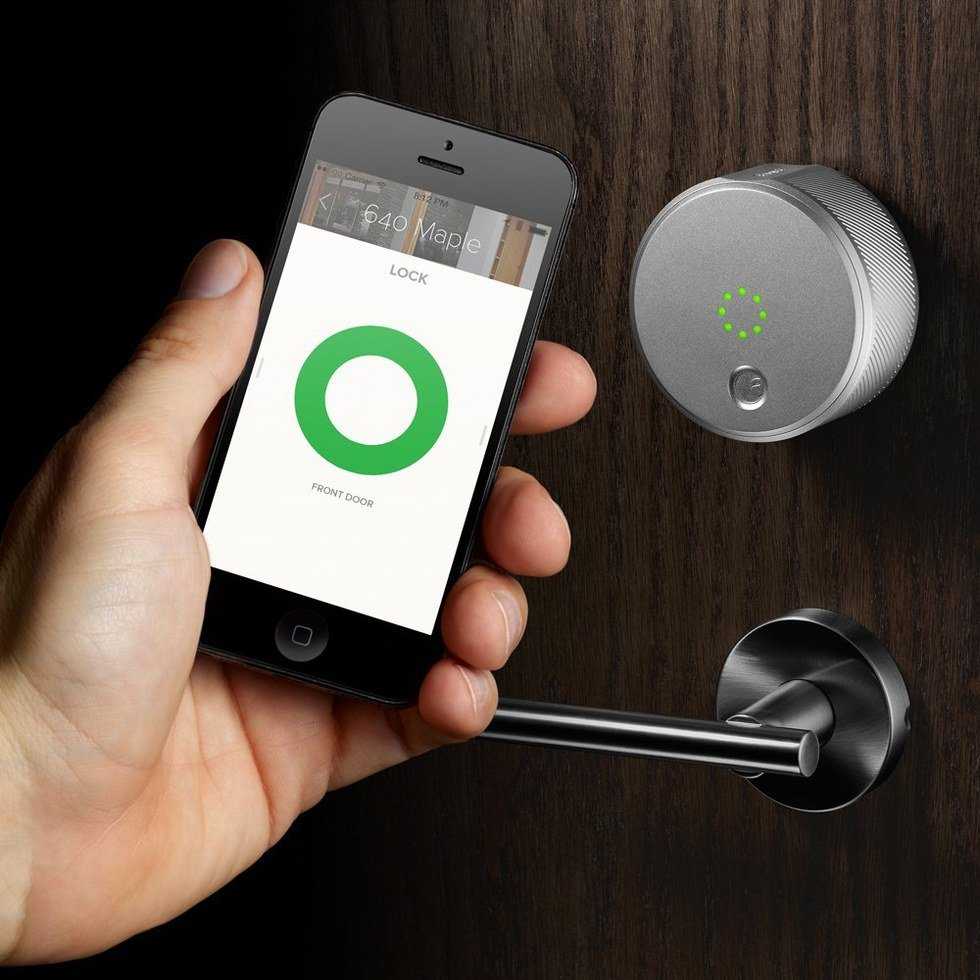
How many of you would love to not use keys anymore to unlock your house? I know there is quite a lot of us who desire just that! Well, I am one of the fortunate few who owns an August Smart Lock. This has to be one of the best things that we did for our house. Everything from the packaging to installation is amazingly easy and for that, I love it. I am pretty handy, but if you offer videos and detailed instructions everyone can do it without any problems.
First, there are two versions and they are basically both the same, but if you have iOS devices you are going to get the Apple HomeKit version. It’s the more expensive version but the reason for that is Apple requires extra security standards that the Bluetooth SIG (Special Interest Group) don’t require in the software. Apple has all makers put the proprietary chip inside their devices to offload the work on our iOS devices. On the Android side Samsung has SmartThings - which is a chip that encrypts the signal from the phone so it doesn't require the home devices to do that work. This is the reason in price difference because they have to be built differently. Should we be paying $50 extra because of it? Probably not, but that is a debate for another day.

When you first open the box, you will be presented with the lock and holding plate. The great thing about this lock is that it keeps the outside of your door looking dumb. The reason why they keep it dumb is so that no one tries to break into your house because the front now looks fancy. So the only thing you have to do is put some tape on the front of your deadbolt and find a screwdriver. Once you remove the back you now put the mounting plate to keep your lock in place. The last thing you need is for it to fall out the door when you remove the tape. After you add the mounting plate, you are now going to add the smarts to the back of your door. Some doors may need an extender if they are not standard thickness.
We are getting to the fun part we get to set up the software. Once you have this lock you never want to turn off your Wi-Fi or Bluetooth the reason why will be explained soon. Once you have Bluetooth on and you download the August Lock app, open the app, and sign up for and August account. You will need this because the app gives you a log of everyone who opens and locks your door. Once you finish signing up, the app will ask you to turn your door to the unlocked position and then to the locked position. This is so that the lock can figure out how much force it will take to lock and unlock your door fully.
Now, you are all done when you lock turns red - that means it’s locked, and when it turns green that means it’s unlocked. The lock will chirp at you if it doesn’t lock properly and it will try to lock every 30 seconds. The best thing is that the lock is also good for those hard of sight because it gives and audible cue, while those who are deaf have a visual cue. Overall after having this lock for 6 months, my family and I agree that we love it! Plus, on the bright side - if you need to run into the house you don't have to fumble with your keys anymore in the middle of the night, or go out worrying if you forgot to lock the door.