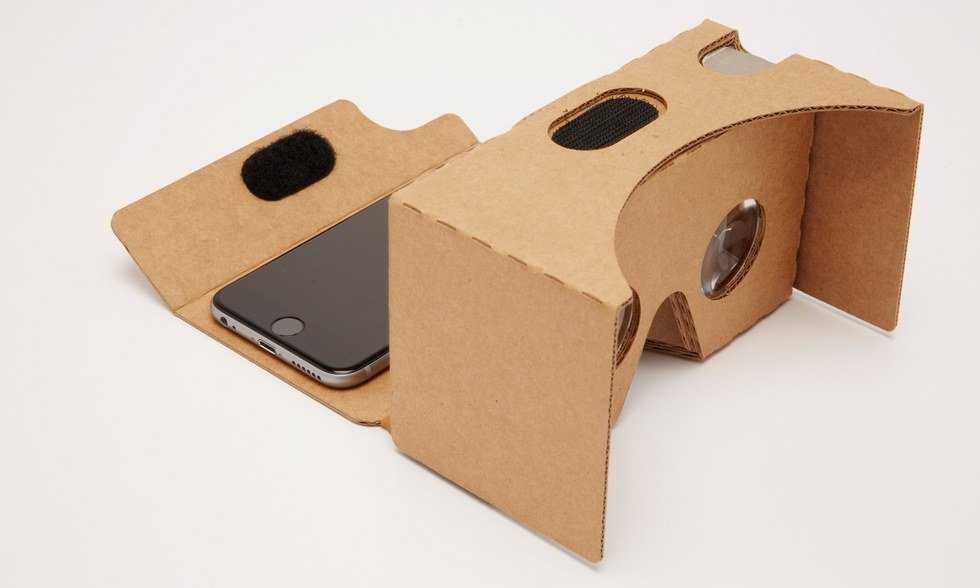
If you're thinking about getting the Google Cardboard, here are a few apps to start with. If you're into architecture, biology, education and having fun, these apps are a great place to start.
1. Planner 5D
Platform: Android & iOS
Use case: Architectural
Way to use: Designing (Best for a tablet with a stylus)
Movement: Needs controller or trigger on side of headset
Motion sickness potential: Little to no motion sickness
Short review: The app is great to design houses in no time. I killed about 45 minutes waiting for my laundry and used a small portion of the free assets available. I have used CAD software on the computers and found this to be a nice way to pass the time, even if I am not an architecture student. The design portion was a bit tedious on my smartphone, but it seems to be meant for tablets. The 3-D Virtual Reality feature was pretty interesting, walking through walls going from room to room. Overall, I think it is a great app to play around with and pass the time.
2. InCell VR
Platform: Android & iOS
Use case: Educational
Way to use: Best when sitting
Movement: Moves automatically
Motion sickness potential: Medium rate for motion sickness
Short review: This app had a lot of visual effects and a lot of motion. If you get VR motion sickness, I do not recommend it. It seemed to have a lot of content regarding cells and their structure, impact on each other and visual accuracy. It fell short when it made my phone extremely hot after using it for about 10 minutes, but it may just be my phone. If you’re interested in an interactive learning game, this is a good place to start.
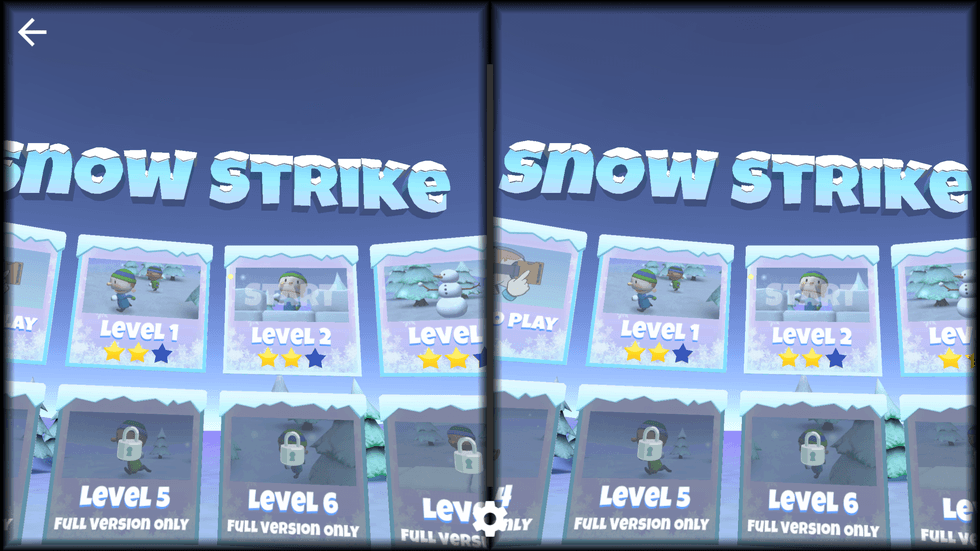
3. Snow Strike VR
Platform: Android
Use case: Fun recreational game
Way to use: Best when standing (my personal opinion, to help dodge snowballs)
Movement: Needs controller or trigger on side of headset
Motion sickness potential: Low rate of motion sickness
Short review: This app brought out the kid in me. It is not visually stunning, but the mechanics of the game had me dodging snowballs and spinning around to hit all of the enemies. There were only three levels, including the tutorial, a part of the free version, and each could be completed pretty quick. My magnetic trigger on my headset was not setting off the snowball, so I used a Bluetooth controlled instead. I tried the game both sitting down and standing, and found standing was more effective. Overall, I think it is a great app for all ages to pass time, and if you are willing to spend some money, it could lead into something played for hours at a time.