Today I will tell you how to watch mobile video in TV or how to connect mobile to TV, you can watch any app of your mobile in big screen on TV.
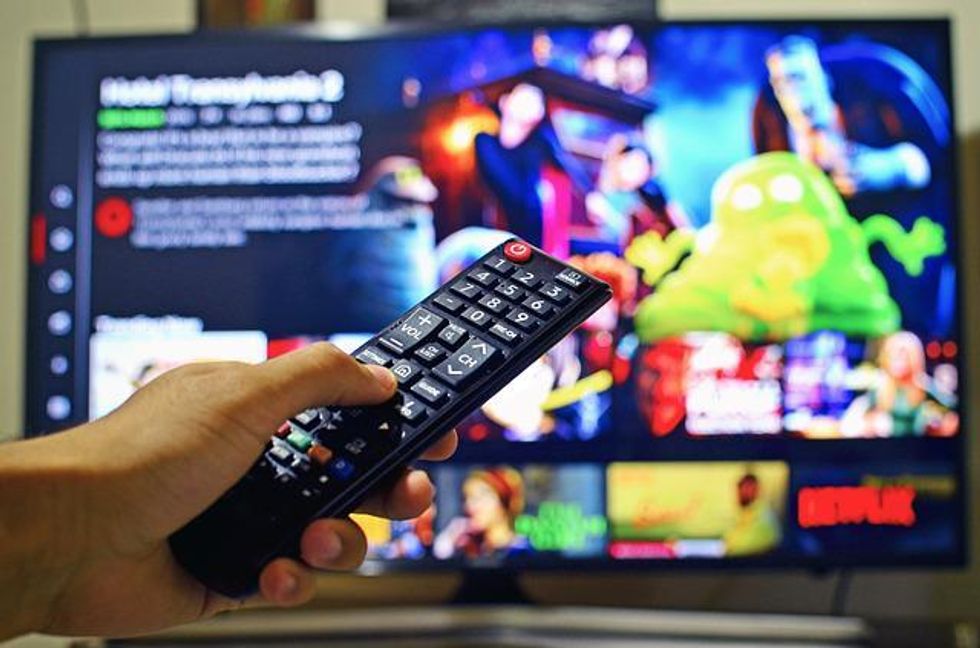
Google Chromecast looks similar to Pendrive. With Chromecast, you can make your normal TV a smart TV. Chromecast comes in many types, whose price ranges from Rs 1200 to Rs 4000 on Amazon. Looking at its features, its price is not much.
By connecting mobile to TV, you can sit together with your whole family to watch mobile videos / Youtube and games. But you cannot do this on mobile screen, to play Mobile's Videos / App on TV, you What should one have?
Read full article: मोबाइल के वीडियो टीवी में कैसे देखें
Watch your mobile video on TV with big screen
Step 1: First of all plug Chromecast into the HDMI port of your TV.
Step 2: Power up the Chromecast by plugging the charging cable into the back of it.
Step 3: Now select Chromecast in the TV settings.
Step 4: Now connect your mobile to Wifi.
Step 5: Now if you have the option of Chromecast in your mobile, then it is okay, if not, then install Google Chromecast in your mobile from here.
Step 6: Now open the Chromecast app on your mobile. Within a few moments, the name of your TV will appear on your mobile screen.
Step 7: Click on your TV name. Mobile will be connected to Tv as soon as you click on the name of Tv.