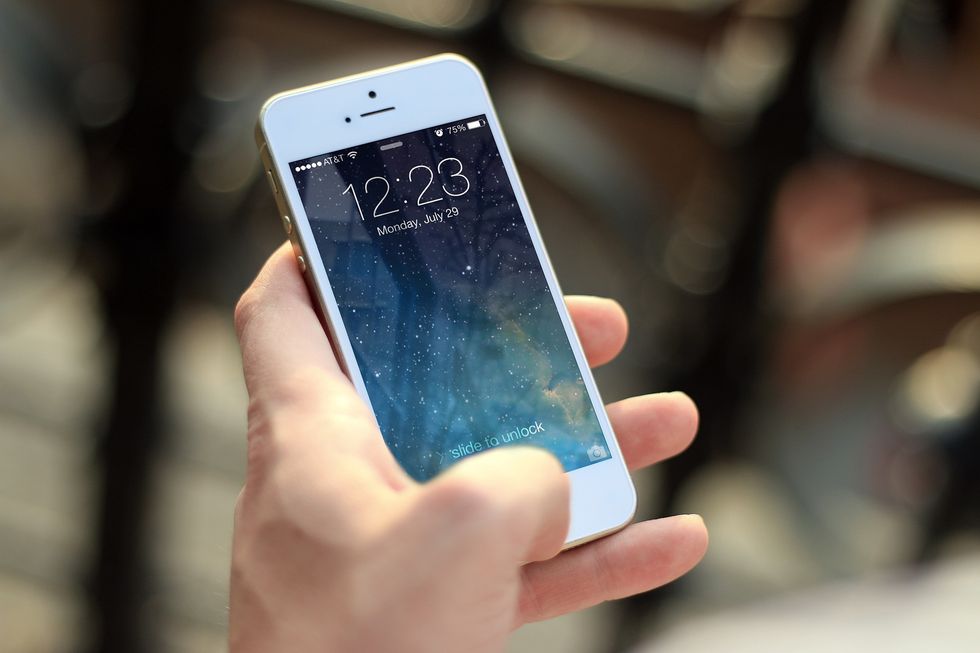
Whenever I'm bored, I like to go through the Settings on my iPhone and look at all the obscure little options tucked away there. More often than not, I usually find something new (atleast to me) that my iPhone can do that is pleasantly surprising. Here are 5 things I accidentally figured out that you may want to try too!
1. Guided Access
Guided access basically restricts your use to a single app and allows you to enable/disable specific things like the volume buttons, the touchscreen, sleep/wake button and more. This function is a GODSEND for me as a parent because it means I can turn on YouTube or one of the random toddler apps I have on my phone, give it to my kids, and relax knowing they can't exit the app and get into things they shouldn't. To enable this fantastic function, go to Settings → General → Accessibility → Learning and click Guided Access to turn it on. To begin Guided Access in whatever app you're using, simply triple-click the home button three times. To end, use Touch ID or input a pin, it's that simple. You're welcome.
2. Touch To Unlock

I'm pretty much the queen of being lazy, and the thought of actually having to push the home button to unlock my phone seems like too much effort. Luckily, I figured out that there is a way to unlock your iPhone and bypass the lock screen by simply resting your finger on the home button. If you want to save yourself .000245 seconds of not having to push down with your finger, go to Settings → General → Accessibility → Home Button and switch 'Rest Finger to Open' on. Congrats! You've now saved yourself a negligible amount of time and effort every time you unlock your iPhone!
3. One-Handed Use For The Back Button

Look, I've already told you I'm extremely lazy, so should it come as any surprise that sometimes I don't want to use two hands to operate my iPhone? If you're like me and constantly balancing your phone in one hand and a screaming child, obnoxiously large latte, or something else in your other hand, this is the function for you. Turning this function on brings the top of your iPhone down lower so you can click the back button with one hand and save your sanity. This one is also found under Settings → General → Accessibility (see? Lazy). → Interaction and switch 'Reachability' on. Voila! No more accidentally dropping your phone while struggling to balance everything!
4. Customize The Control Center

Confession: I just found this one while writing this article and I am SO EXCITED! As most of you know, your iPhone's Control Center can be accessed by swiping up from the bottom of your screen and allows you to access a variety of tools and features including Brightness, Sound, Flashlight, Calculator, Wi-Fi, Bluetooth, etc. Well guess what guys? THIS IS CUSTOMIZABLE. I repeat, THIS IS CUSTOMIZABLE! I was actually searching for another feature I found the other day when I stumbled upon this and I'm including this one instead because I think it's better. You can remove some of the standard things like the Flashlight, Timer, and Alarm and add less conventional tools like Magnifier, Low Power Mode, Voice Memos, Wallet, Notes, Screen Recording, Apple TV Remote and more. Or, if you're like me and don't want to have to actually (gasp!) SEARCH for these tools on your phone, you can add ALL of the tools to the Control Center and have every single one at your fingertips. To simplify your life and customize your Control Center, go to Settings → Control Center → Customize Controls and then add and delete to your heart's content!
5. LED Flash For Alerts

If you're one of those people who has a paralyzing case of FOMO, you can actually have your camera's LED flash go off for alerts so you'll never miss a single one of your friend's Facebook or Instagram posts. Warning: Be aware of your surroundings when using this feature. The light is extremely bright and I have definitely gotten dirty looks on more than one occasion when it went off. To use the LED flash for alerts, go to Settings → General → Accessibility → Hearing and switch 'LED Flash for Alerts' on. Happy Flashing!